


E-Collar Compatible Straps: Fit, Receiver Placement, and Skin-Safe Setup

Table of Contents
- Quick Answer
- What Makes a Strap Compatible
- Measure Neck Size and Pick the Right Length
- Receiver Placement and Contact Point Basics
- Skin, Rubbing, and Cleaning
- Quick Troubleshooting
- A Tough Daily Collar Is Still the Foundation
- FAQ
E-collar compatible straps only work well when three things line up: the strap fits the receiver mount, the collar fits the dog, and the receiver stays steady against the neck without rotating or sliding.
For K9, hunting, sport, and field dogs, that stability matters. A loose strap can make contact inconsistent. A strap that is too tight can irritate the skin. A strap that is too wide, too thick, or routed incorrectly can twist the receiver even when the collar feels snug.
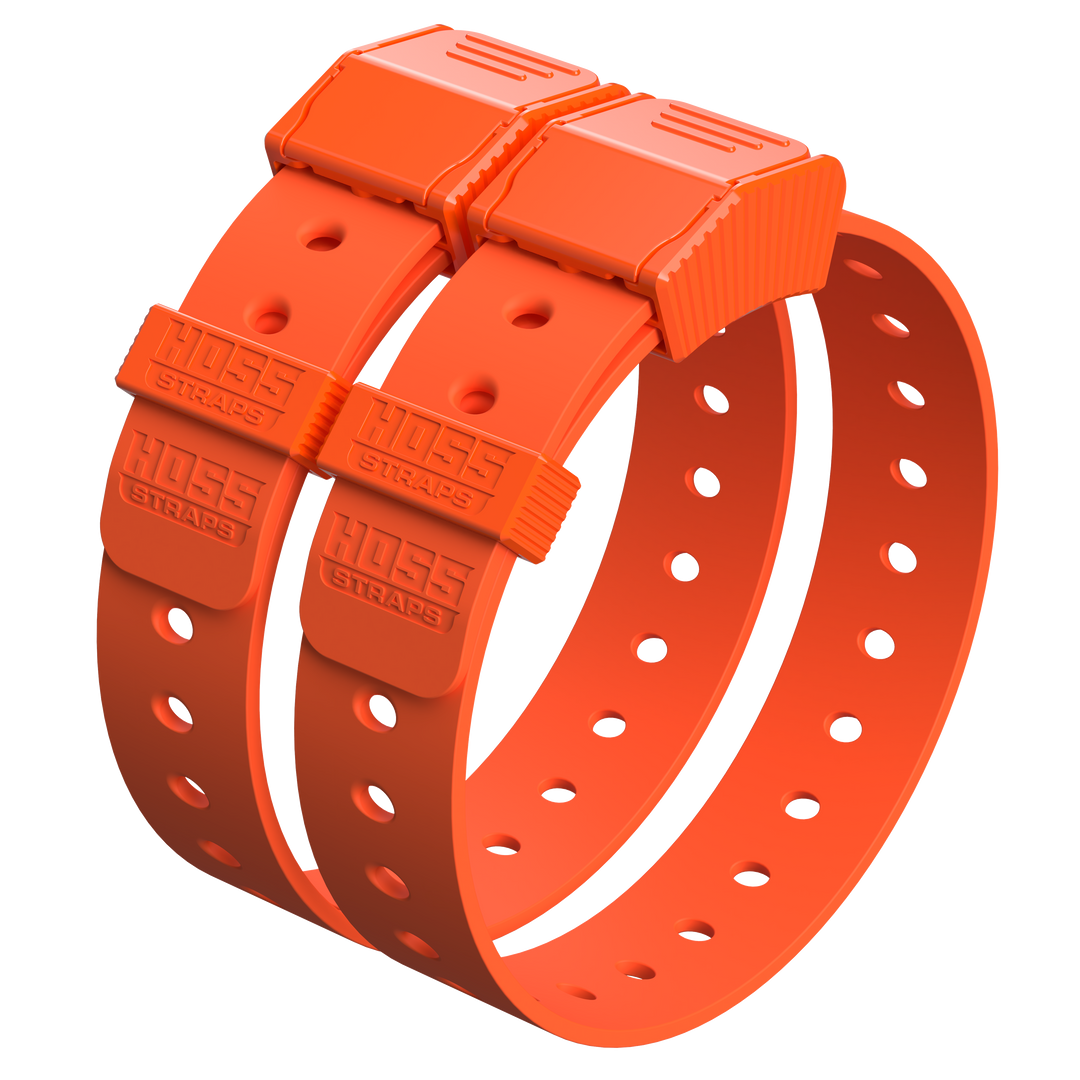
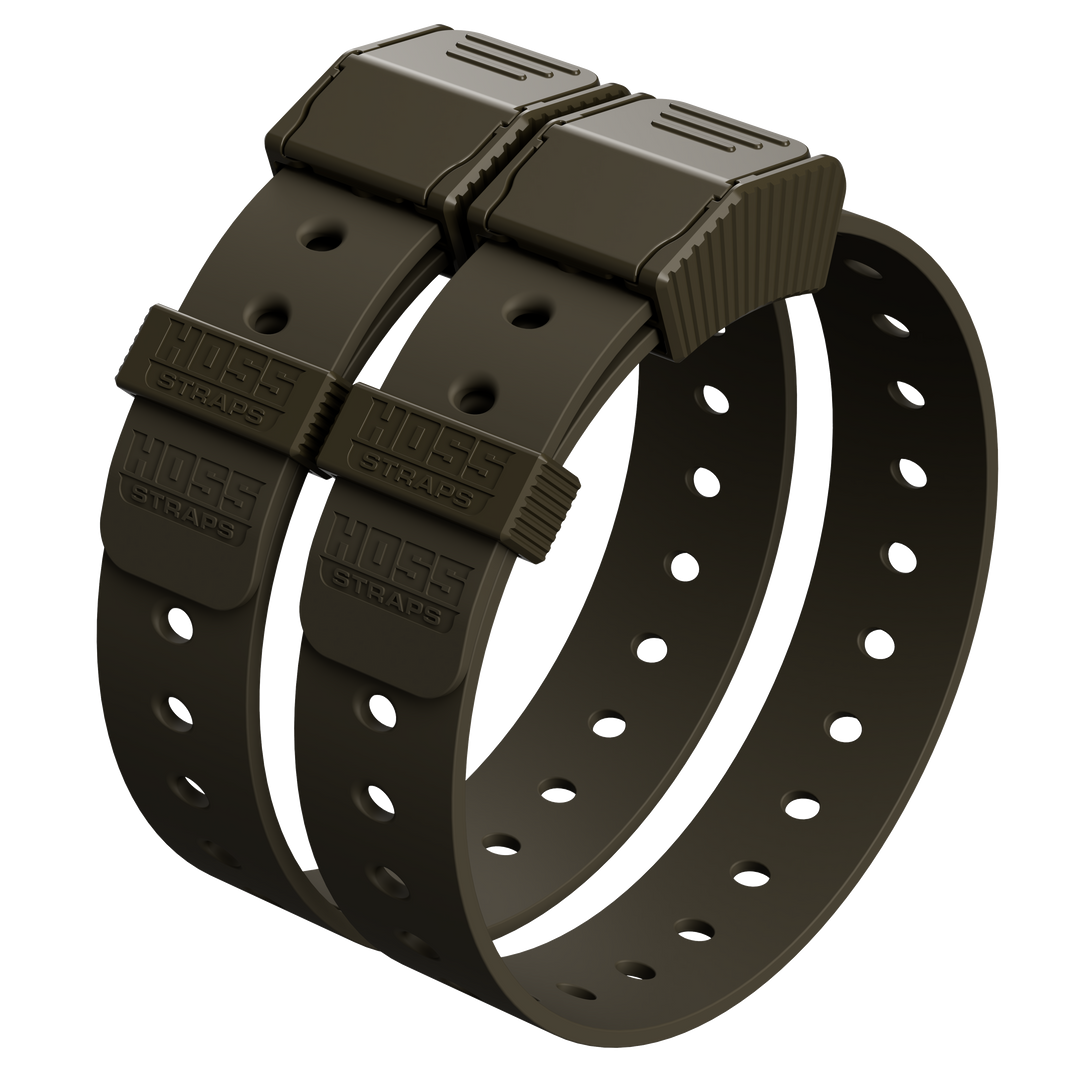
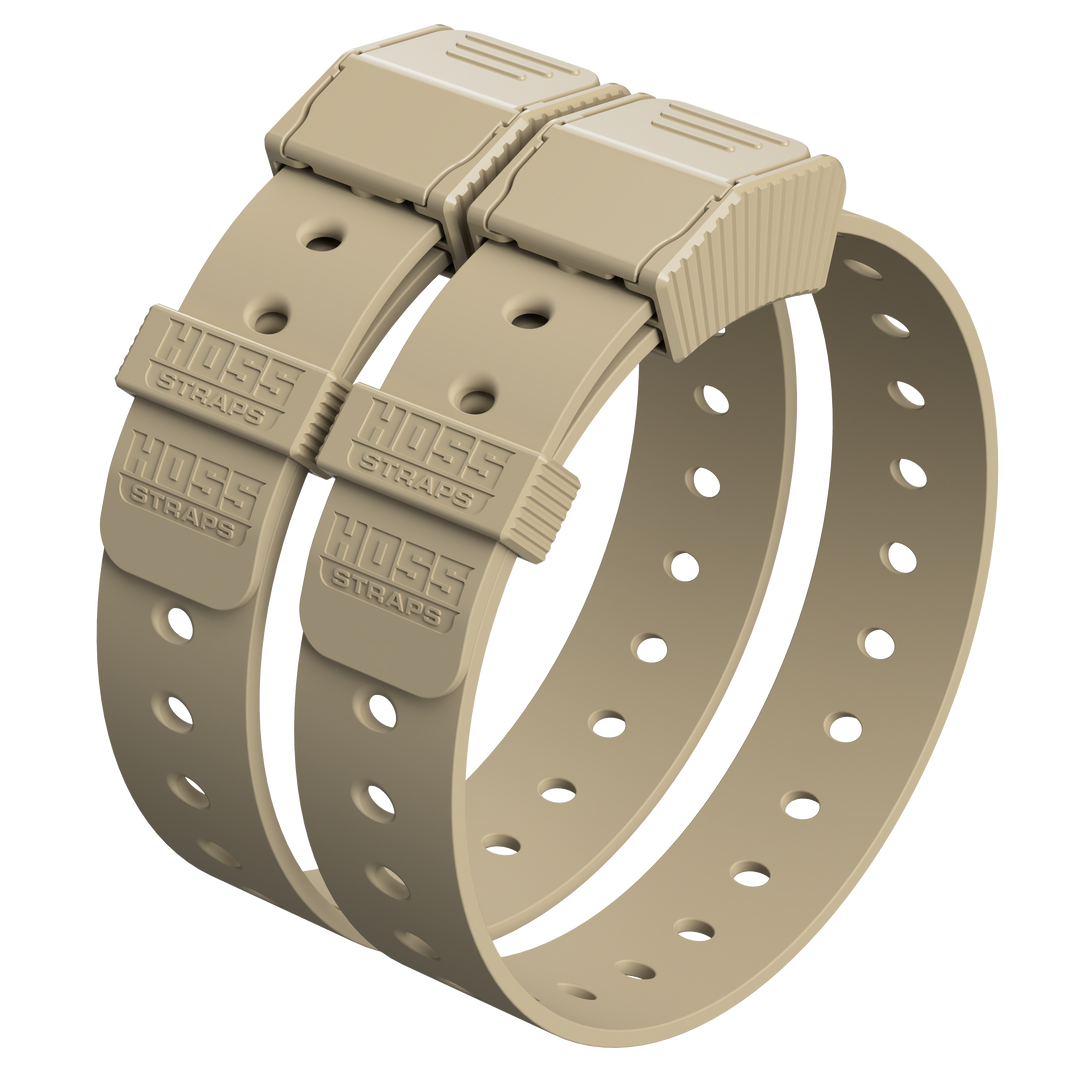
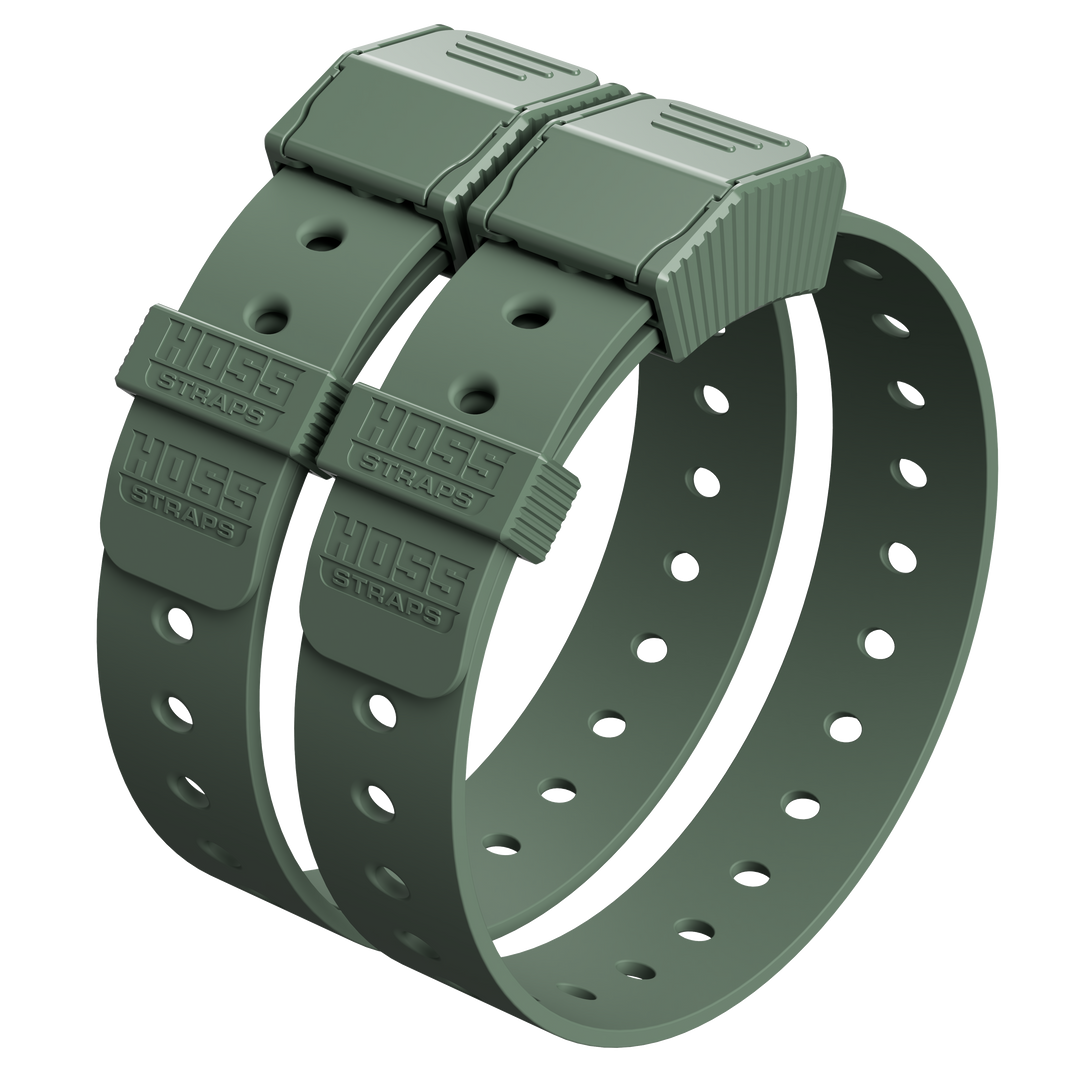
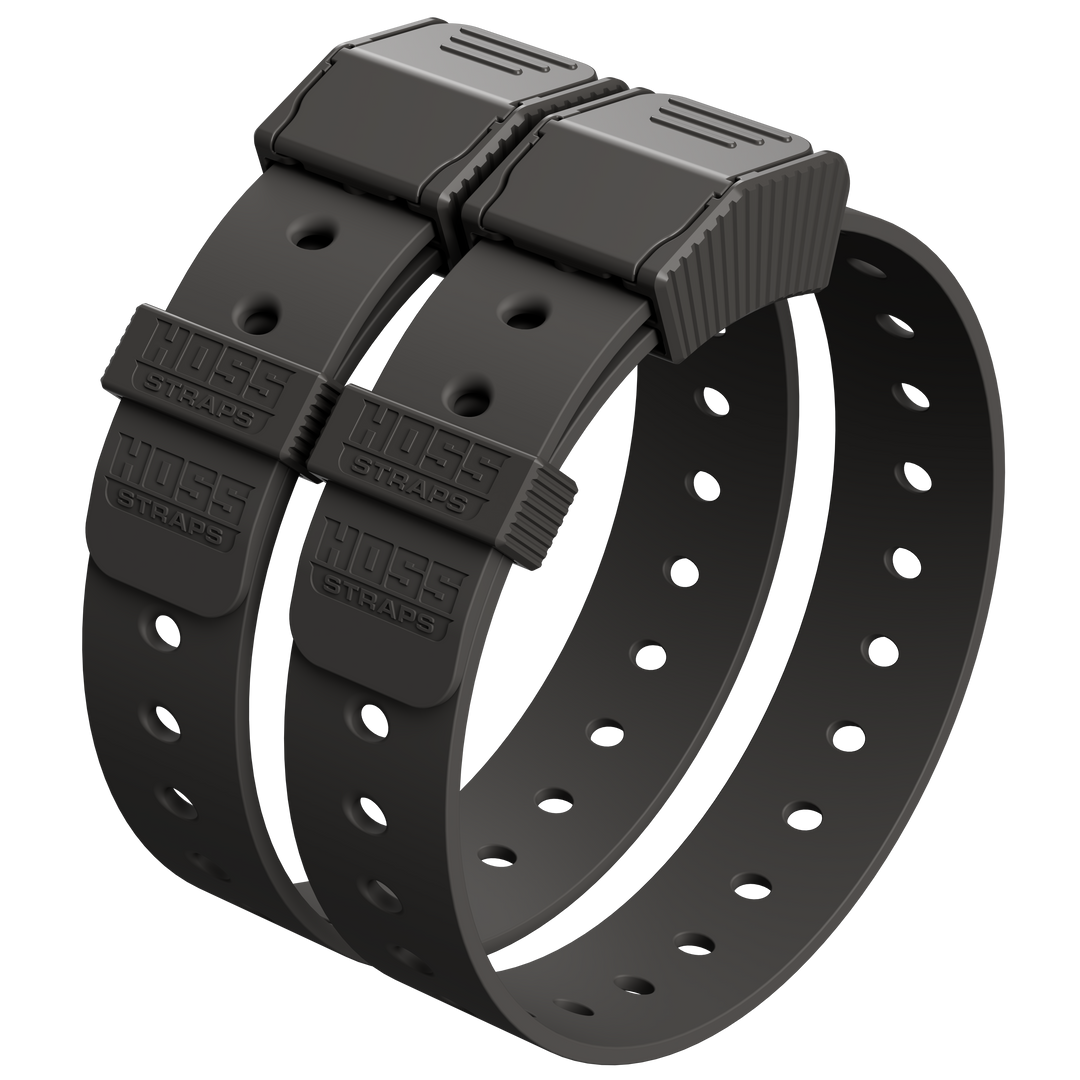
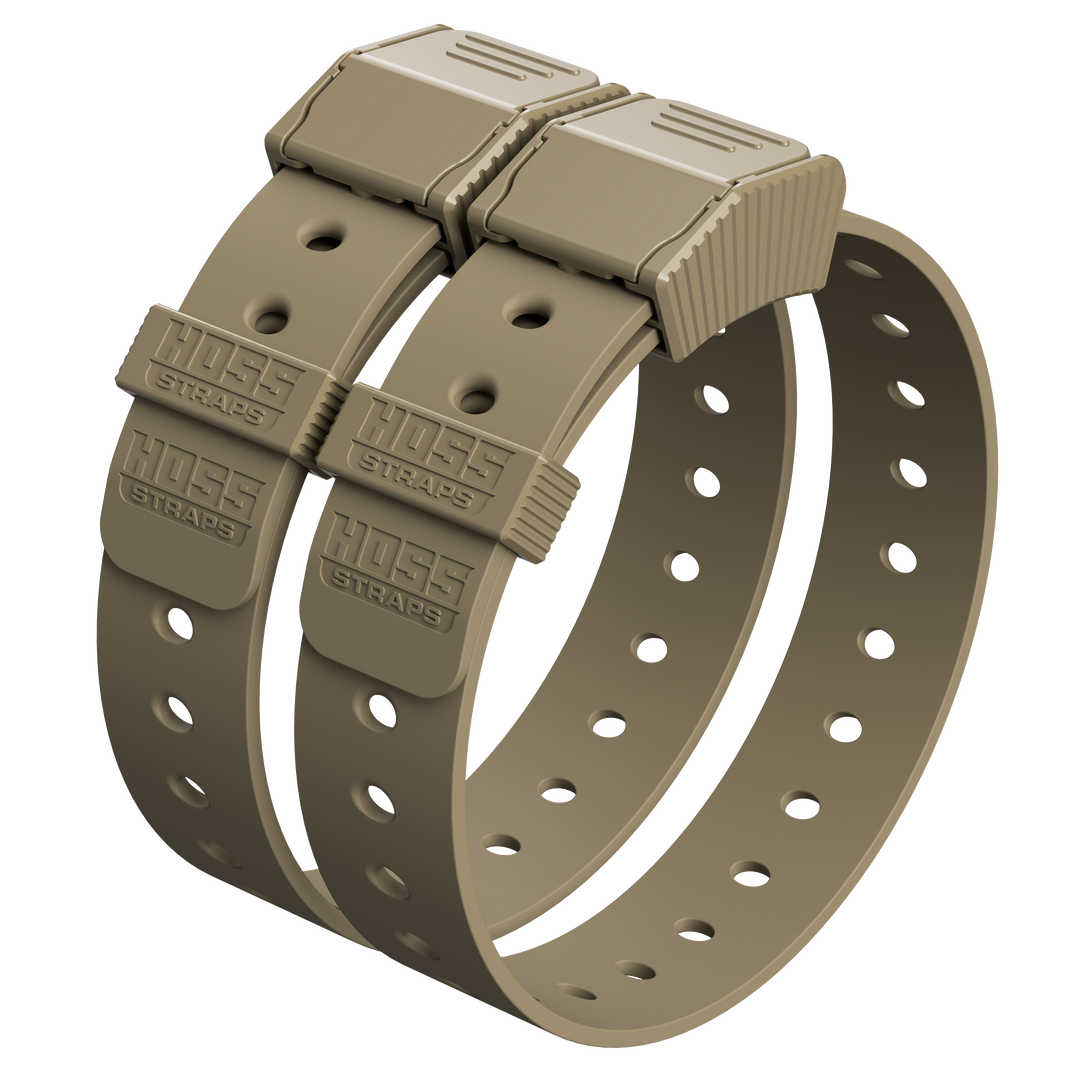
This guide is brand neutral. Use it as a setup checklist, then follow your device maker's manual for your exact receiver. If you are building around Hoss gear, compare K9 Dog Collars, the Training Collar Setup, and the Training Collar Adapter Kit.
Quick Answer: What a Good E-Collar Strap Setup Looks Like
| Setup Point | What You Want | Problem Sign |
|---|---|---|
| Strap compatibility | Strap width and thickness match the receiver slots, guides, or bracket | Receiver twists, binds, or does not sit flat |
| Neck fit | Snug enough that the receiver does not rotate, with room for one finger where the manual allows | Box slides after a shake, run, or short walk |
| Receiver placement | Stable location with contact points touching skin through the coat | Inconsistent response or receiver drifting low |
| Contact points | Length matched to coat thickness | Points sit on hair instead of skin, or skin gets irritated |
| Skin safety | Clean, dry strap and limited wear time based on manufacturer guidance | Redness, sores, crusting, rubbing, or heat under the receiver |
What Makes a Strap Compatible

A strap is compatible when it fits the receiver's mounting system and keeps the receiver in one steady spot during movement.
Most receiver setups use one of these mounting styles:
- Pass-through slots: the strap threads directly through receiver slots.
- Guides or plates: the strap routes through hardware that keeps the receiver aligned.
- Brackets or adapters: screws, clips, or mounting plates hold the receiver to the strap.
If the strap is too wide, too narrow, too thick, or too flexible for the mount, the receiver can tilt or rotate. That causes inconsistent contact and more movement against the skin.
| Compatibility Check | Good Sign | Red Flag |
|---|---|---|
| Strap width | Slides through receiver slots without bunching | Edges fold, scrape, or bind in the mount |
| Strap thickness | Sits flat in the receiver path | Receiver rocks because the strap is too thick or uneven |
| Routing | Strap follows the device maker's path with no twist | Strap crosses, twists, or skips a guide |
| Hardware | Plates, screws, or brackets are secure | Loose screws, shifting plates, or cracked guides |
Measure Neck Size and Pick the Right Length
Before checking contact points, get the strap length right.
- Have your dog stand naturally.
- Wrap a soft tape measure where the receiver will sit.
- Write down the neck measurement.
- Compare that number to the strap's hole range or adjustment range.
- Choose a strap that fits near the middle of the range, not only on the first or last hole.
Quick fit check
- Tighten until the receiver does not slide freely.
- Use the finger-space guidance from your device manual. Many receiver manuals call for a snug fit with room for one finger.
- Let your dog move for a few minutes, then recheck. Coat and strap position can settle.
- If you are between holes, start snug, walk briefly, then inspect skin and receiver stability.
The goal is stable contact without pressure damage. If the receiver slides when your dog shakes or runs, the fit is not stable enough. If the skin shows redness or pressure marks, stop and reassess.
Receiver Placement and Contact Point Basics

Placement is the difference between consistent contact and a receiver that works one minute and drifts the next.
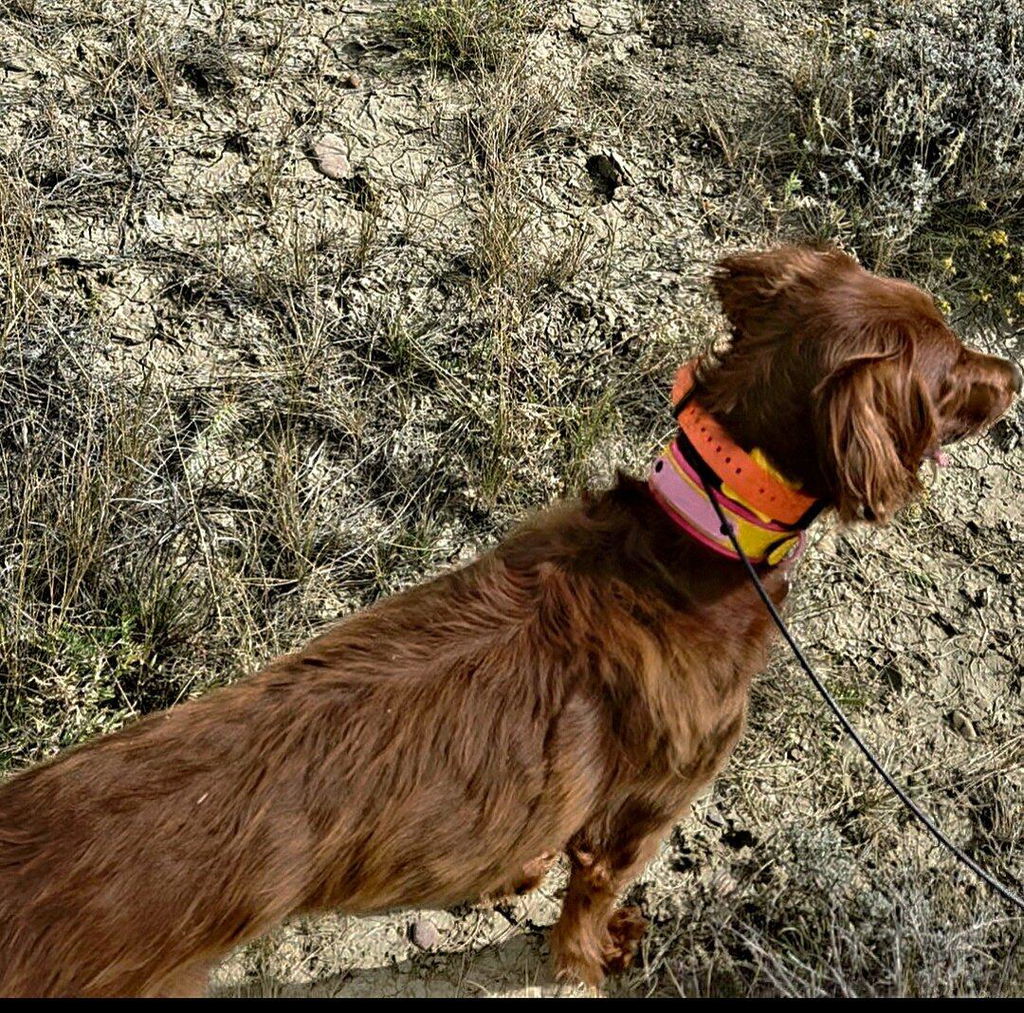
Garmin's accessory collar instructions describe a common setup: center the collar, position the device at the front of the neck with the status light facing the chin, tighten so it cannot rotate or slide, and wiggle the device so the contact points work through the coat and touch the skin.
SportDOG's operating guide also gives practical fit rules: the collar receiver should fit snugly while allowing one finger, the contact points must directly contact the dog's skin, and users should avoid leaving the collar receiver on for more than 12 hours per day.
Fast stability checks
- Press the receiver side to side after tightening. If it rolls, tighten one hole and test again.
- Part the hair under each contact point before calling the fit done.
- Check whether the receiver drifts during play or running.
- If the box slides low, reset it slightly higher and test again.
- Use the contact point length recommended for your dog's coat and your device.
Educator Collars explains that matching contact point length to coat type is important for consistent stimulation and effective training results. Short coats and thick coats may need different contact point options.
| Coat / Fit Situation | What to Check | Possible Adjustment |
|---|---|---|
| Short coat | Points contact skin without digging | Use standard or shorter points if compatible |
| Thick coat | Hair is blocking contact | Part hair, use longer points if your system allows, or trim a small area if appropriate |
| Loose neck skin | Receiver shifts as the dog moves | Reposition and check stability after movement |
| Receiver rolls | Strap is too loose, routed poorly, or mismatched to the mount | Tighten one hole and confirm flat routing |
Skin, Rubbing, and Cleaning
Most strap irritation comes from movement, moisture, pressure, and grit. A receiver that slides creates friction. A dirty strap traps irritants. A wet setup can keep grime pressed against skin.
PetMD explains that contact dermatitis in dogs can involve itching, redness, crusting, and pustules after contact with an irritant or allergen. If the skin under the strap looks irritated, do not keep tightening and hoping it clears up.
Simple habits that help
- Rinse the strap and receiver after mud, salt water, heavy sweat, or dirty field work.
- Dry the strap and receiver fully before long wear.
- Remove the receiver when the training session or work period is done.
- Check the skin under the contact points after use.
- Pause use if you see redness, swelling, sores, crusting, or broken skin.
When replacing a strap, start with a clean device. Garmin strap replacement instructions call for removing dirt, water, and debris before routing the strap through the device and antenna guides so the setup sits correctly.
Quick Troubleshooting
| Problem | Likely Cause | What to Try |
|---|---|---|
| Receiver slips or spins | Strap too loose, wrong width, twisted routing, or loose mount | Tighten one hole, route flat, and check screws or plates |
| Contact feels inconsistent | Hair blocks contact points or receiver moves during work | Part hair, reseat receiver, and match contact points to coat type |
| Skin looks irritated | Too much movement, pressure, moisture, or grime | Remove collar, clean strap and receiver, shorten sessions, and let skin rest |
| Receiver rocks in the mount | Strap thickness or mount compatibility issue | Confirm strap specs and use the correct adapter or bracket |
| Fit changes after a few minutes | Coat compresses or strap settles | Recheck after a short walk and adjust as needed |
If irritation does not improve quickly, or if the skin is broken, swollen, painful, or infected-looking, stop using the receiver and call your veterinarian.
A Tough Daily Collar Is Still the Foundation
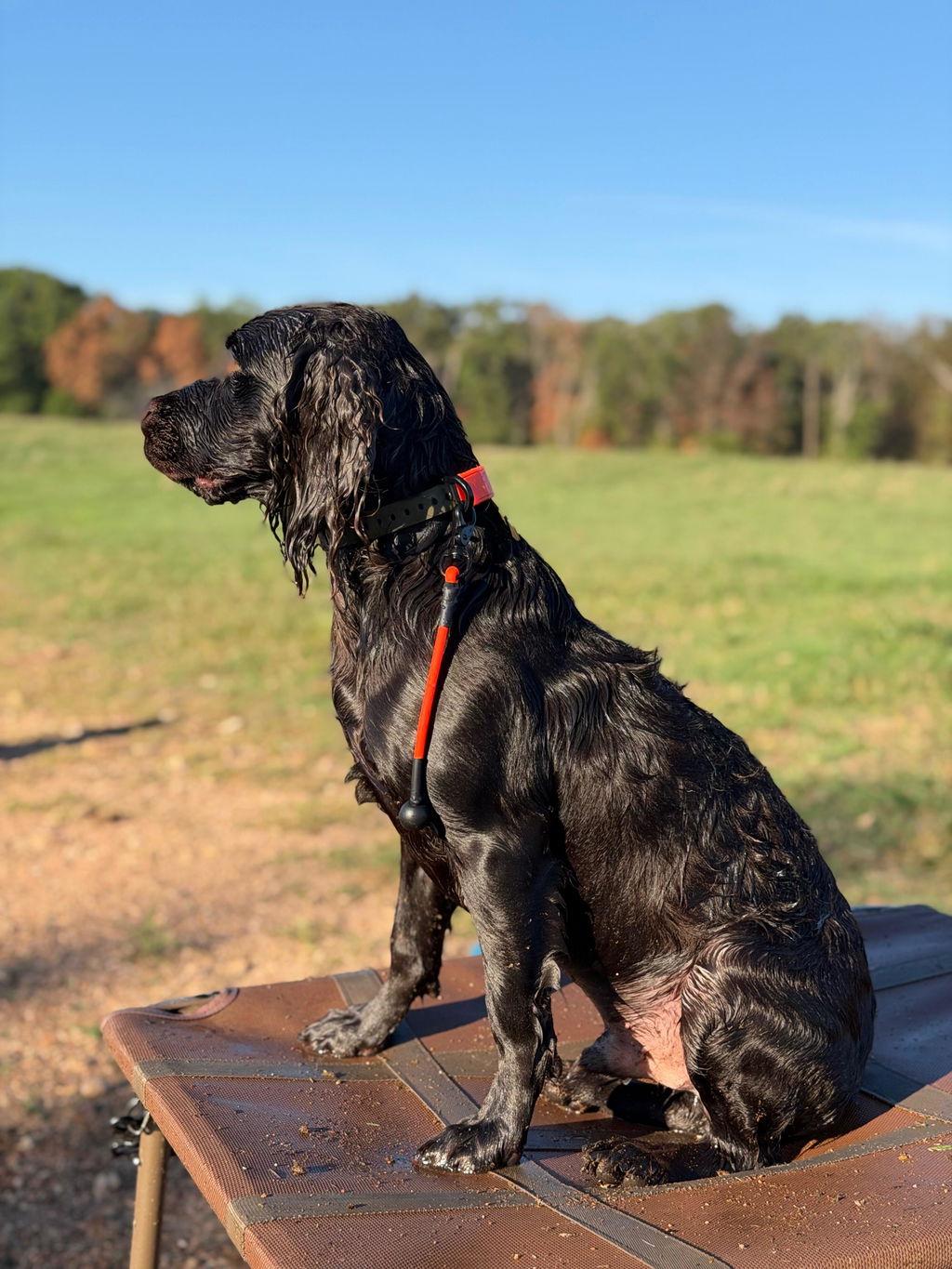
Even if you run an e-collar receiver on a separate strap, a dependable daily collar keeps the rest of your routine cleaner. Your dog still needs a comfortable, durable collar for ID, everyday handling, and non-receiver wear.
Start with Hoss K9 Dog Collars if you want a waterproof everyday collar built for working dogs. For Garmin-style setups, review the Training Collar Setup, which includes the D-Ring Dog Collar and Training Collar Adapter Kit; the Garmin device is sold separately.
You can also compare the D-Ring Dog Collar for a weatherproof daily platform, Weatherproof Dog Collars for wet and muddy routines, and Dog Collars for the broader everyday lineup.
FAQ
1. How tight should an e-collar strap be?
It should be tight enough that the receiver does not rotate or slide, while still following the finger-space guidance from your device manual. Many systems call for a snug fit with room for one finger under the strap.
2. Where should the receiver sit on the neck?
Follow your device manual. Many systems work best when the receiver is centered, stable, and positioned so the contact points reach the skin instead of floating on top of the coat.
3. What if my dog has a thick coat and loses contact?
Part the hair under each contact point, reseat the receiver, and confirm the points touch skin. If your system offers longer contact points, choose the length recommended for your dog's coat type.
4. How often should I clean the strap and receiver?
Clean after mud, salt water, heavy sweat, or dirty field work. Rinse away grit, dry fully, and inspect the contact area before the next use.
5. How do I stop the receiver from sliding or rotating?
Start by tightening one hole, placing the receiver in the correct position, and checking that the strap is routed flat through the mount. If your receiver uses a bracket or plate, confirm the hardware is secure.