


GPS/Tracker Collar Mounts & Add-ons: What Works, What Snags, and What to Measure First

Table of Contents
- Quick Answer
- Tracker Types: GPS vs Bluetooth-Style Tags
- Mounting Methods: Pouches, Plates, and Brackets
- Fit and Balance on the Neck
- Snag and Impact Risks
- Battery and Access
- Water Resistance and IP Ratings
- What to Measure Before Buying
- Common Mistakes and Easy Fixes
- A Tough Base Collar for Add-ons
- FAQ
A GPS or tracker add-on is only useful if it rides securely on your dog's collar. If the mount is too bulky, the collar is too loose, or the tracker is poorly balanced, the device can flip under the throat, get hit during play, catch on brush, or block charging access.
The best tracker collar setup starts with three checks: know what type of tracker you are using, match the mount to the collar width and device shape, and run a roll test before trusting it outdoors.
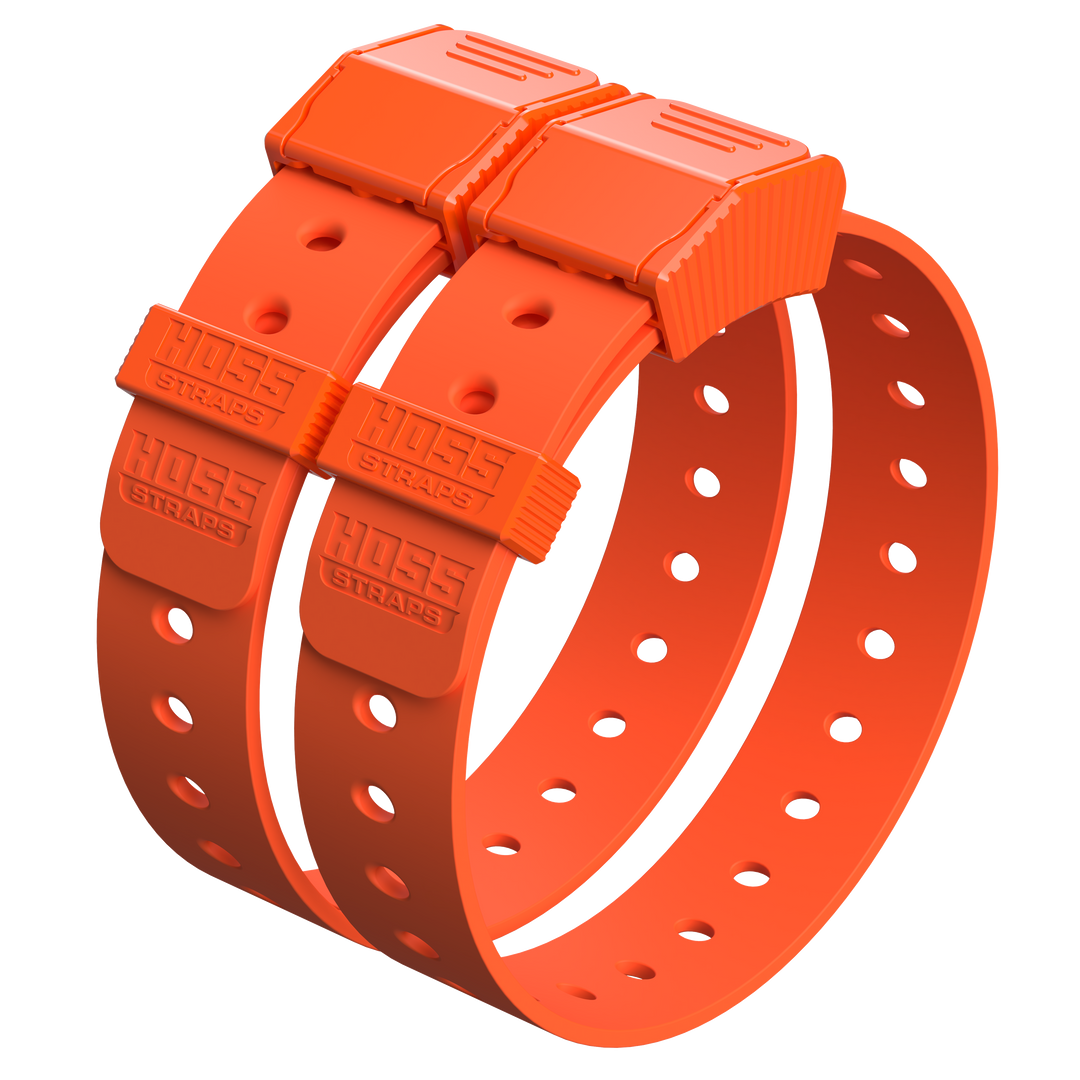
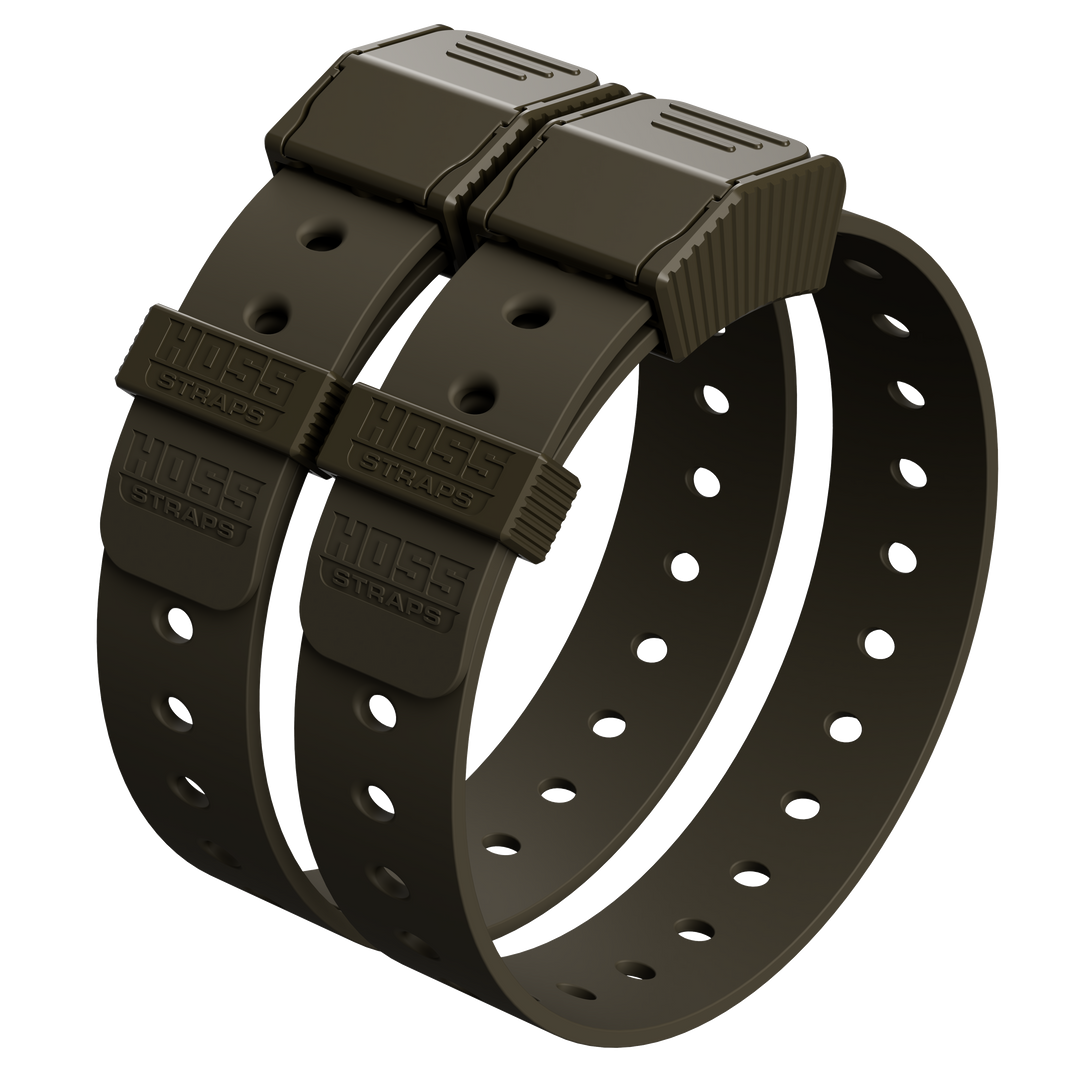
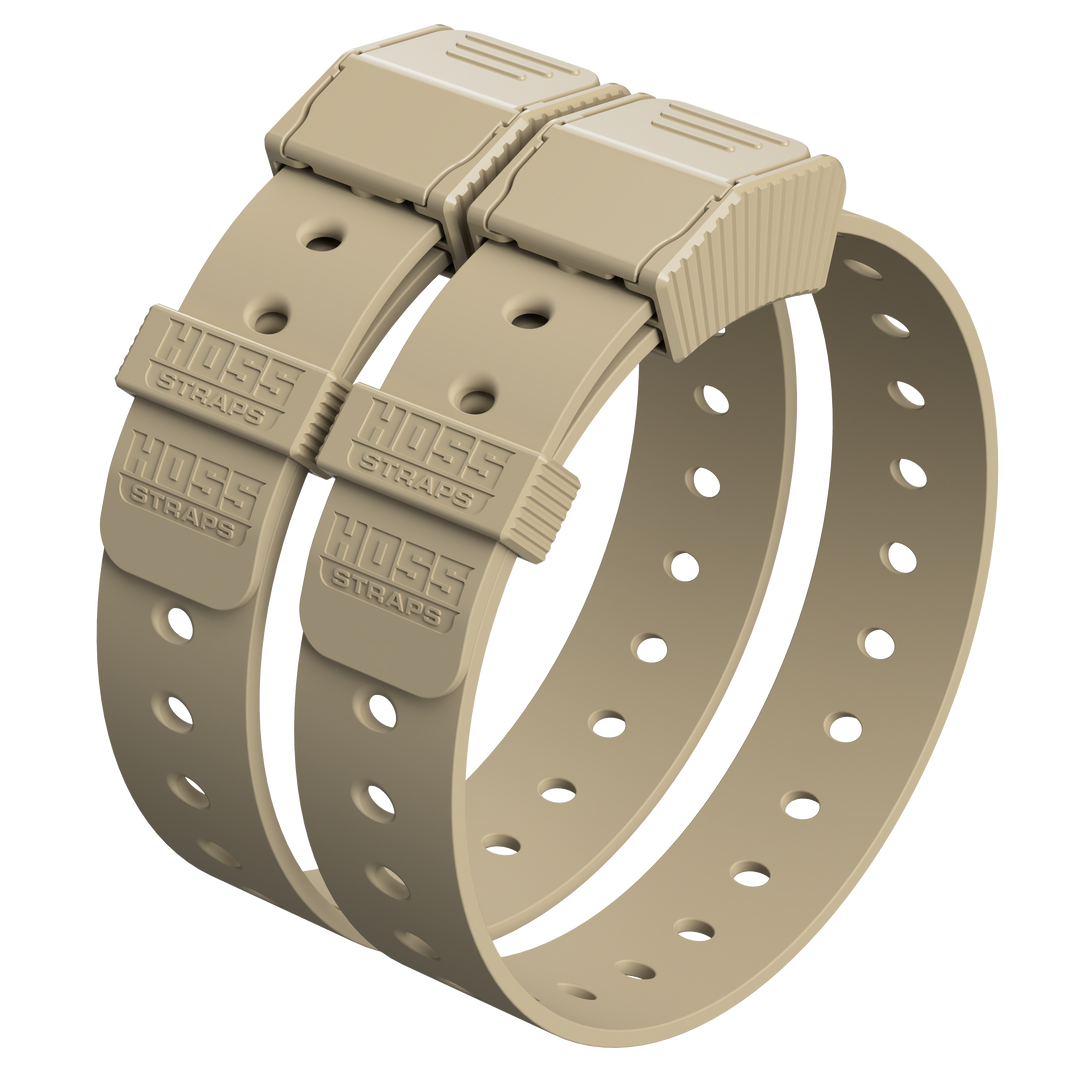
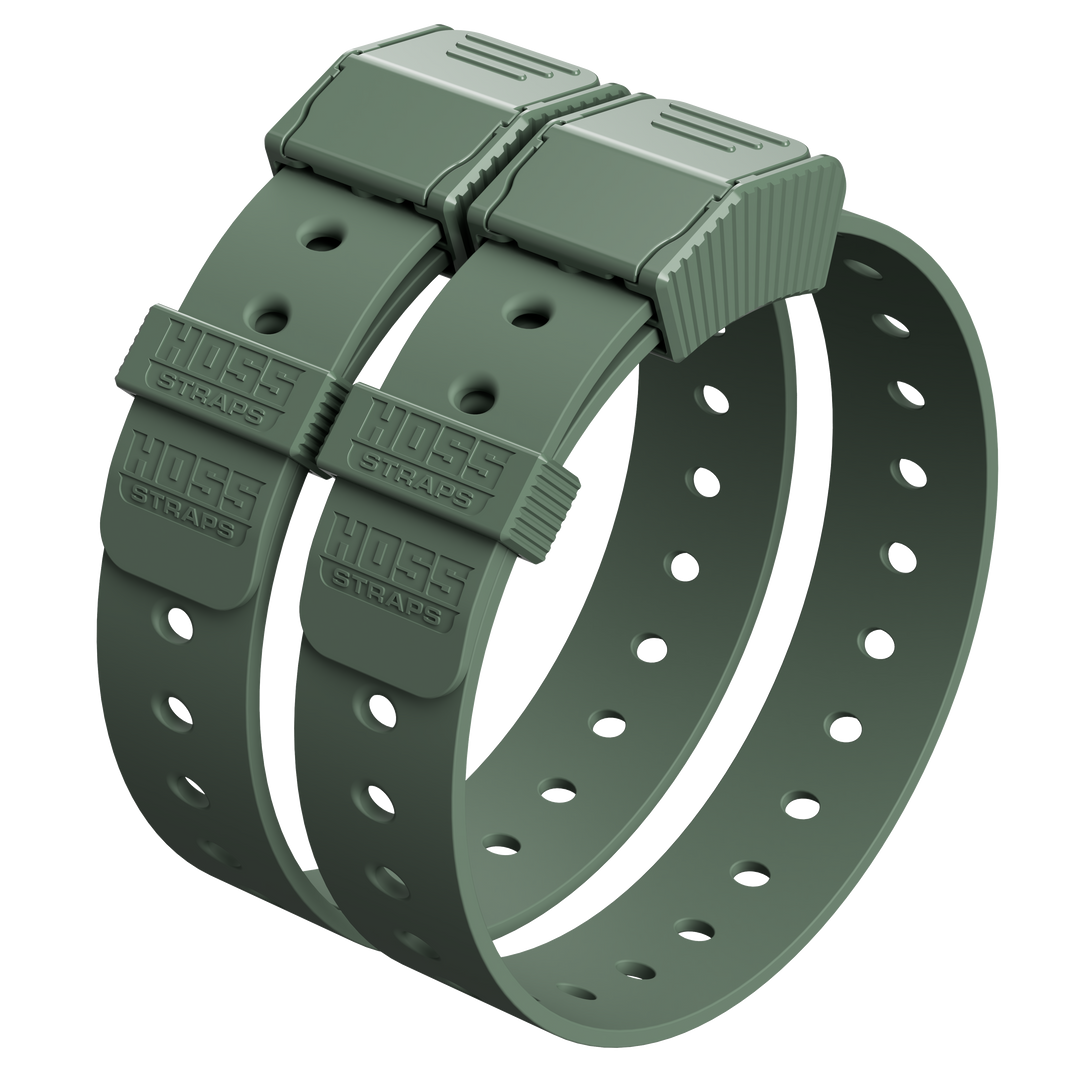
If you need a tougher base collar for tracking add-ons, compare Hoss K9 Dog Collars, the D-Ring Dog Collar, and the Training Collar Setup for compatible training and tracker workflows.
Quick Answer: What Makes a Tracker Mount Work?
| Check | What You Want | Red Flag |
|---|---|---|
| Collar fit | Snug enough that the tracker does not roll under the throat | Tracker migrates to the bottom of the neck |
| Mount profile | Low-profile, tight to the collar, minimal flop | Tall bracket or loose pouch that catches on brush |
| Collar width | Mount matches the strap width and thickness | Mount twists, squeezes, or slides because the strap is mismatched |
| Battery access | Charging port, buttons, and lights remain reachable | You have to unthread the whole collar to charge it |
| Safety routine | Remove collar-mounted add-ons during crating or unsupervised snag-risk situations | Tracker stays on in crates, kennels, rough play, or heavy brush without a plan |
Tracker Types: GPS Trackers vs Bluetooth-Style Tags
GPS trackers for distance and coverage
GPS trackers use satellite-based positioning. NASA Space Place explains that once a receiver calculates its distance from four or more GPS satellites, it can determine location.
In plain terms: if your dog can get out of sight or outside nearby range, GPS-style tracking is the category built for broader coverage.
Bluetooth-style tags for nearby finding
Bluetooth Low Energy is designed for low-power wireless devices. A PubMed-indexed systematic review of BLE performance notes that range depends heavily on radio power, device characteristics, network conditions, and other parameters.
In real life, walls, terrain, interference, body position, and signal blocking can all change how far a Bluetooth-style tag works.
| Tracker Type | Best For | Limit to Remember |
|---|---|---|
| GPS tracker | Broader location coverage when a dog can roam out of sight | Usually larger, heavier, and more battery-dependent |
| Bluetooth-style tag | Nearby finding around home, vehicles, or familiar spaces | Range changes with environment and signal blockage |
Simple rule: GPS is for broader location work; Bluetooth-style tags are better for finding something already nearby.
Mounting Methods: Pouches, Plates, and Brackets
Most collar-mounted tracker add-ons fall into three groups.
| Mount Type | Pros | Cons | Best Fit |
|---|---|---|---|
| Pouches or sleeves | Simple, flexible, fits many device shapes | Adds bulk, can trap dirt, may make charging annoying | Casual use where low cost and easy fit matter most |
| Plates or sandwich mounts | Stable and often flatter than a pouch | Depends heavily on collar width, stiffness, and fit | Dogs that need a more secure low-profile tracker setup |
| Brackets or clips | Quick on/off and easier battery access | Can rattle, stick out, or get levered by impact | Handlers who remove the tracker often and need fast access |
The right mount is the one that keeps the tracker stable without creating a new snag point.
Fit and Balance on the Neck
A tracker will naturally try to migrate toward the bottom of the neck if the collar is loose, the device is heavy, or the mount sticks out too far.
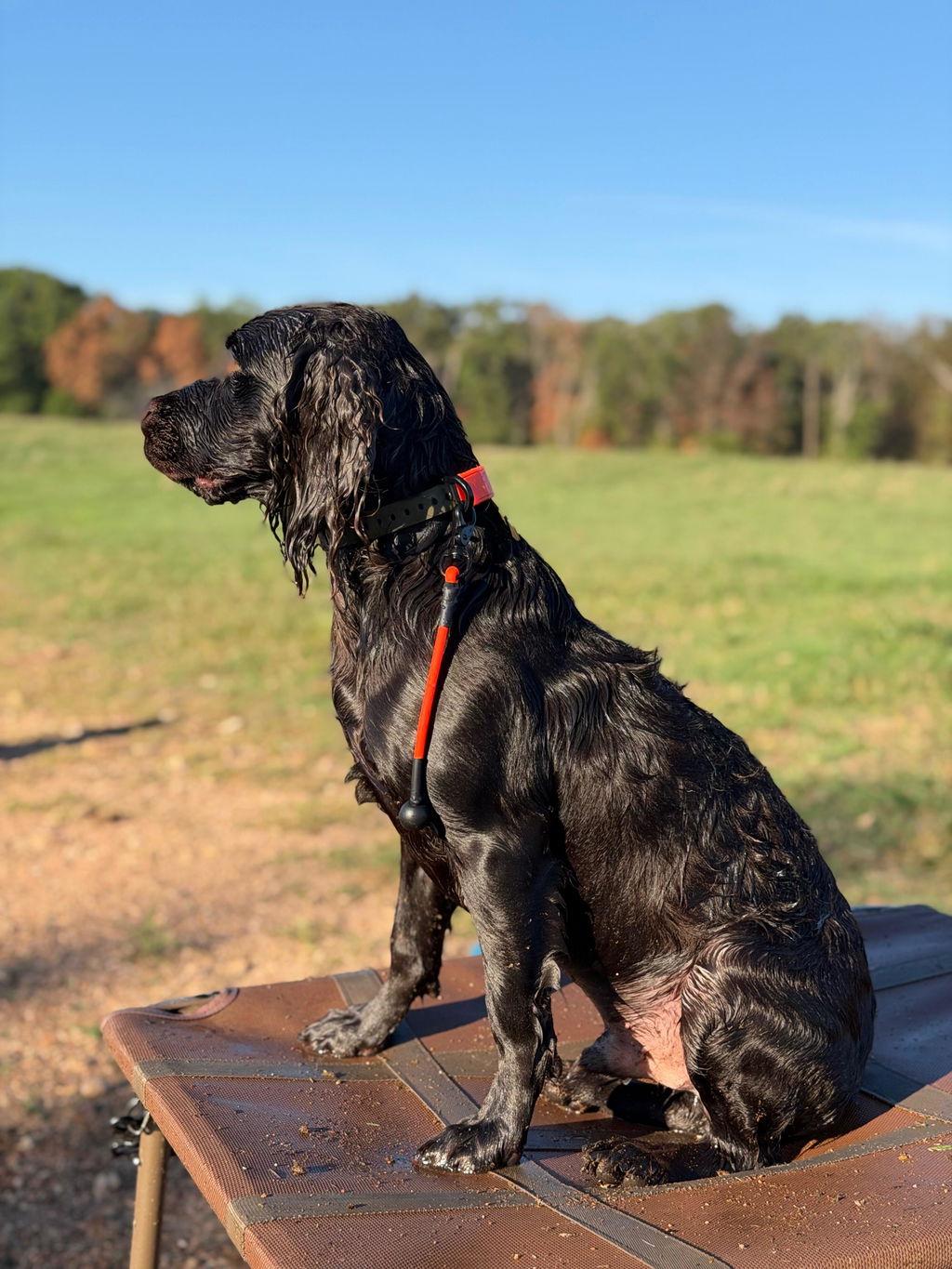
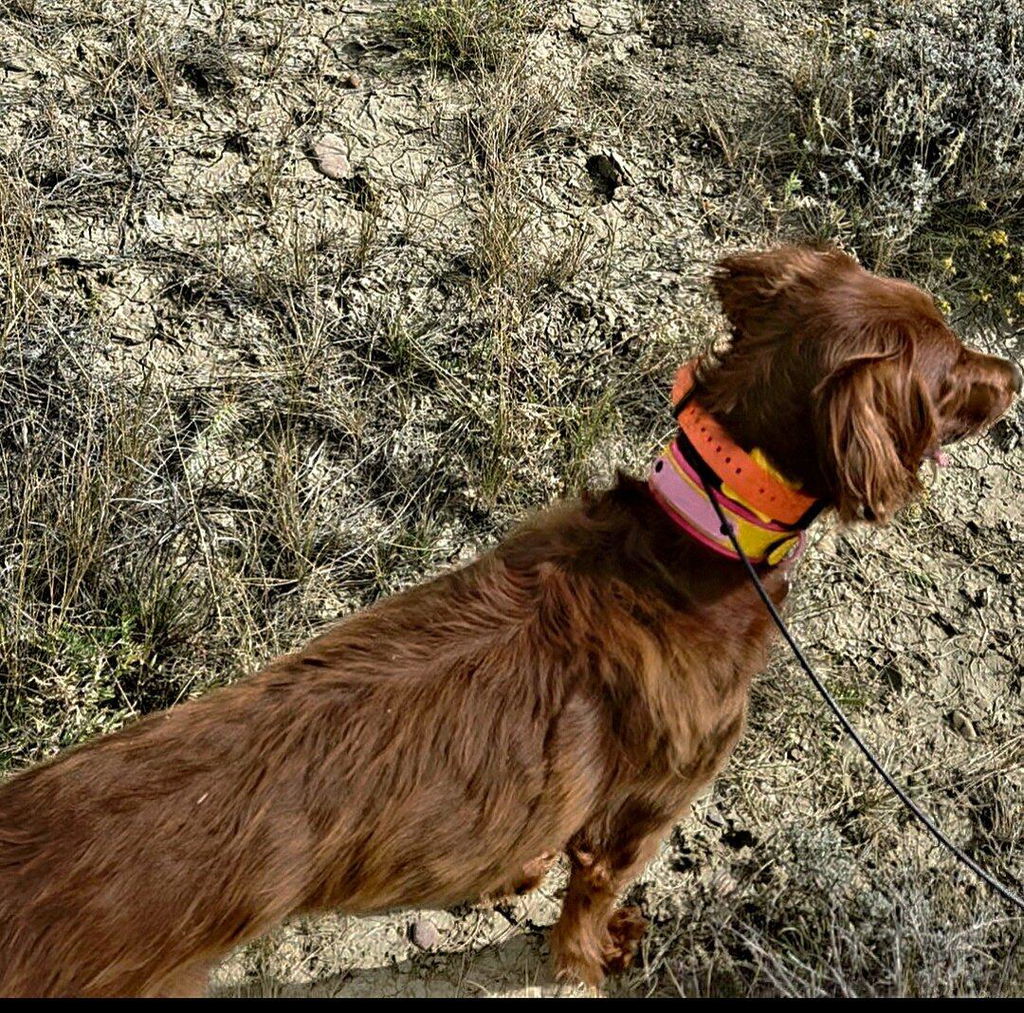
Your goal is a mount that stays tight to the collar and balanced enough that it does not roll under the throat when the dog moves.
Where should the tracker sit?
| Position | Best For | Watch-Out |
|---|---|---|
| Top/back of the neck | Keeping the device out of the throat area and easier to spot | Can get bumped if the dog ducks under objects |
| Side of the neck | Reducing the "top bump" profile | May snag more in brush, tight lanes, or rough play |
| Under the throat | Usually not the target position for most add-ons | More impact, rubbing, and movement risk |
Do a fast roll test
- Mount the tracker and buckle the collar.
- Let the dog walk, turn, shake, and lower their head.
- Check whether the tracker stays where you put it.
- If it rolls under the throat, adjust fit, reduce bulk, or change mount style.
The usual fix is tighter fit, lower profile, better balance, or a wider and stiffer collar base.
Snag and Impact Risks
Collar gear can catch on fences, crates, furniture, vegetation, brush, and other dogs during play. PetSafe notes that collars can become snagged and twisted, and lists hazards like fences, crates, shrubs, kennel hardware, furniture, and vegetation.
Tracker mounts add extra shape to the collar, so snag planning matters.
| Risk | What Causes It | Safer Habit |
|---|---|---|
| Snagging | Tall brackets, loose sleeves, dangling parts | Use the lowest-profile mount that still holds securely |
| Impact hits | Device sticks out and gets knocked on brush, gates, or play surfaces | Keep the tracker tight to the collar and avoid tall mounts |
| Crate or kennel catching | Collar-mounted device catches on wire or door hardware | Remove tracker collars during crating or unsupervised kennel time |
| Rough play trouble | Another dog catches the mount, collar, or tracker | Remove add-ons during rough play when possible |
Practical rule: if your dog will be crated, kenneled, roughhousing, or crashing through heavy brush, treat collar-mounted add-ons as removable gear.
Battery and Access: Do Not Mount It Where You Cannot Maintain It
If charging takes five minutes of fighting straps, you will eventually stop doing it. Mount access should be part of the buying decision.
Before committing to a mount, check:
- Can you reach the charging port without unthreading the whole collar?
- Can you press buttons if the device has them?
- Can you see status lights?
- Can you remove the tracker quickly for travel, charging, play, or kennel time?
- Does the mount block antenna areas, sensors, or contacts?
A mount that holds well but blocks charging is not a good field setup.
Water Resistance: What IP67 and IP68 Actually Mean
Many trackers list an IP rating. The IP code uses two numbers: the first digit rates protection against solid particles like dust, and the second rates protection against water. Higher numbers generally mean stronger protection.
| Rating Term | What It Refers To | Dog-Gear Translation |
|---|---|---|
| First IP digit | Protection from solid objects and dust | Helps tell how well the device resists dirt intrusion |
| Second IP digit | Protection from water | Helps tell how well the device handles splashes, rain, or immersion |
| Charging port cover | Physical seal or cover on the device | Often a practical weak point if left open or dirty |
Water resistance depends on the tracker itself, not just the mount. If the device has a charging port cover, keep that cover clean and fully seated before wet use.
What to Measure for Compatibility
Before buying a GPS or tracker mount, grab a tape measure and check both the collar and the device.
| Measure | Why It Matters | What to Write Down |
|---|---|---|
| Collar width | Mounts are often built for specific strap widths | Width in inches or millimeters |
| Collar thickness | Thick straps may not fit slots or clips | Thin webbing, coated webbing, or thicker strap |
| Usable straight section | Mount needs room away from buckle, D-ring, and adjustment points | Length of clean mounting space |
| Tracker length, width, depth | Controls bulk, fit, and snag profile | Full device dimensions |
| Tracker weight | Heavier devices roll more easily | Weight from manufacturer specs |
| Port and button placement | Mount should not block charging or controls | Which side needs access |
Common Mistakes and Easy Fixes
| Mistake | What Happens | Better Move |
|---|---|---|
| Loose collar fit | Tracker slides under the throat | Snug the collar and rebalance the mount |
| Tall or bulky mount | Snags and takes impact hits | Choose a low-profile plate or tight sleeve |
| Mount blocks charging | Tracker gets skipped, dies, or stays in the drawer | Pick a mount with easy port access |
| Heavy device on narrow collar | Collar rolls constantly | Use a wider, stiffer collar or flatter mount |
| No usable straight section | Mount sits on a buckle, D-ring, or adjuster | Choose a different collar layout or mount location |
A Tough Base Collar for Add-ons and Hard Use
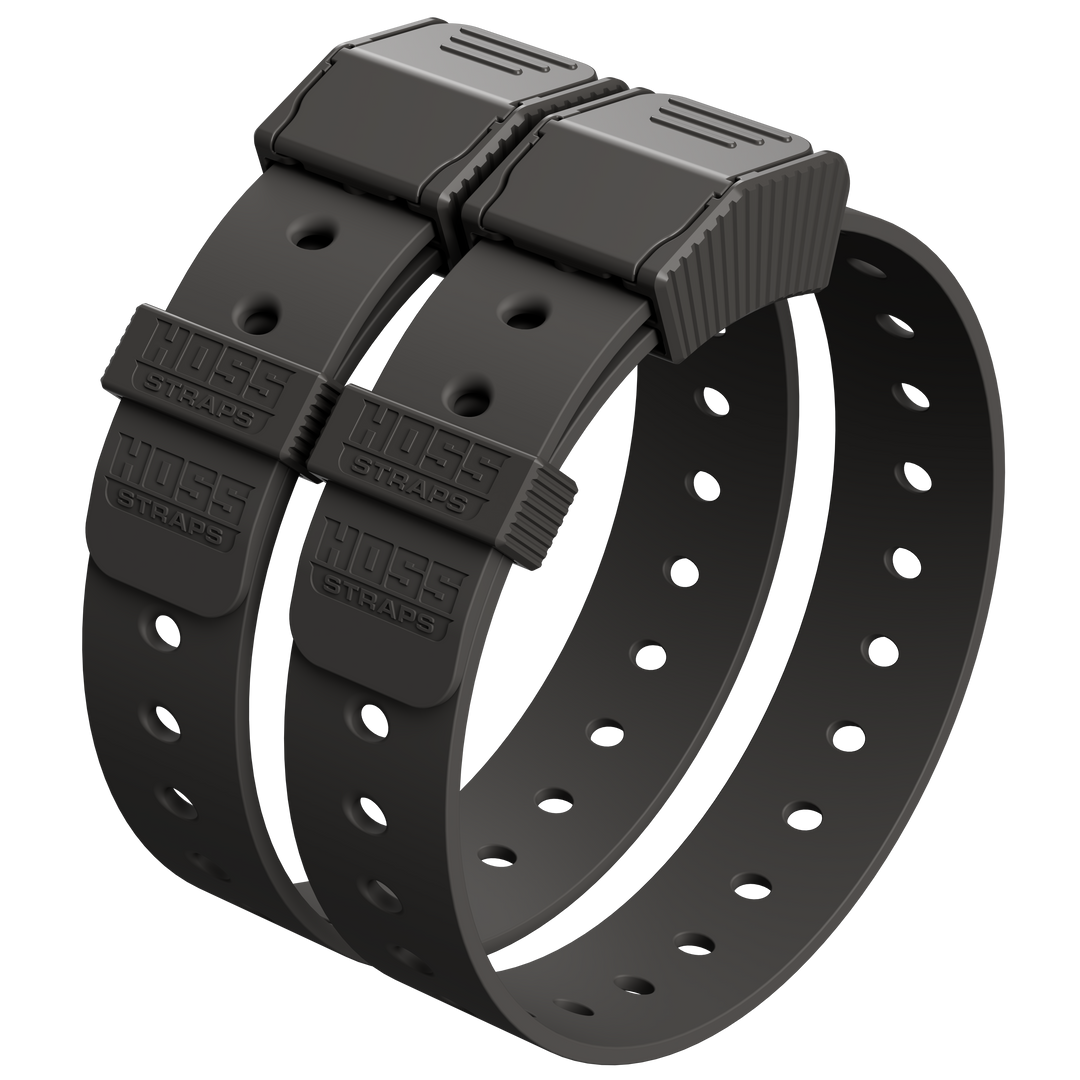
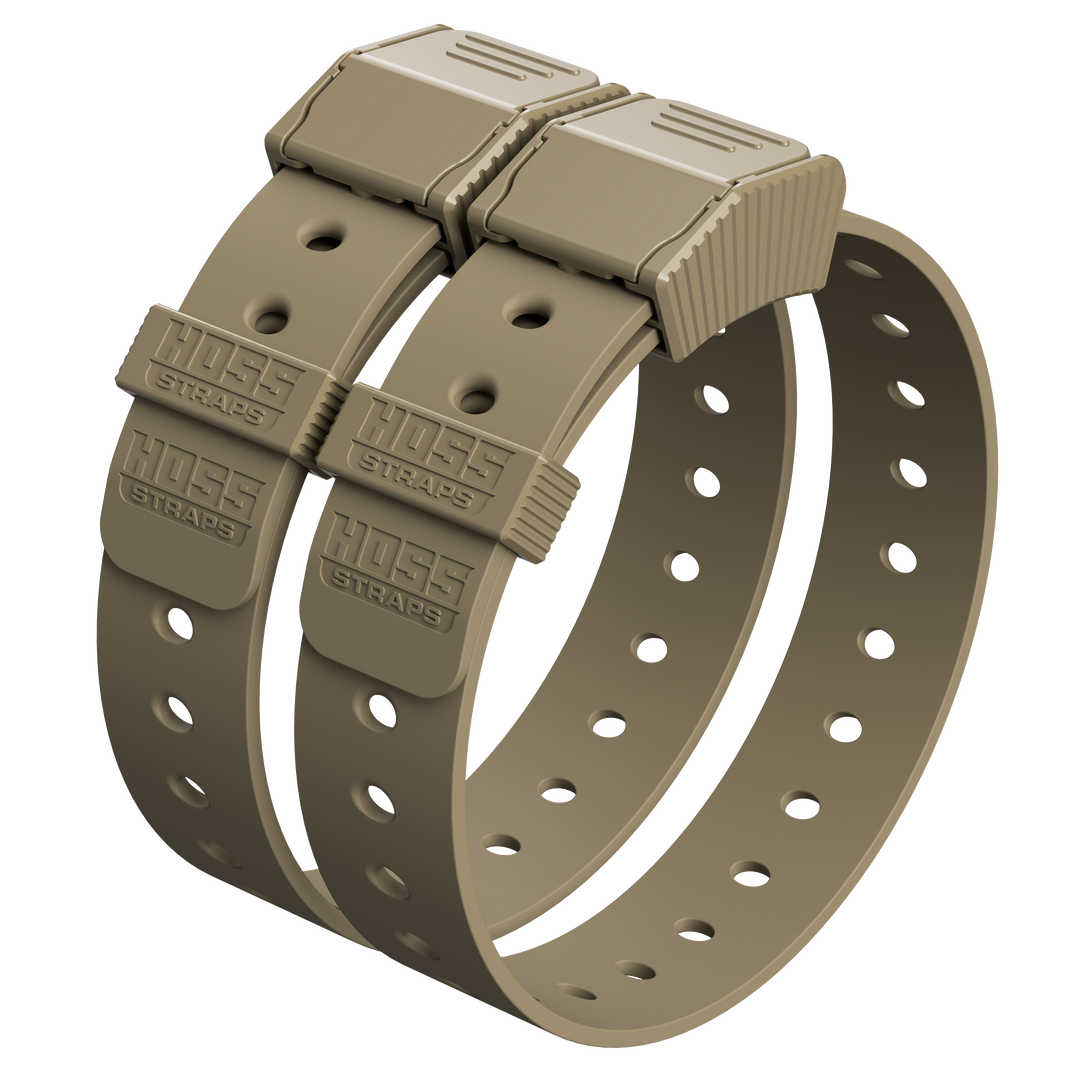
If you want a simple, durable base collar built for real-world use, start with Hoss K9 Dog Collars.
The Hoss D-Ring Dog Collar is also a strong everyday platform, with weatherproof construction, quick-release handling, a clear D-ring attachment point, and a 1 1/16-inch strap width. It is listed as compatible with Tractive GPS Trackers and select Garmin training modules.
For Garmin-style setups, review the Training Collar Setup and Training Collar Adapter Kit. For wet, muddy, or frequent-cleaning routines, compare Weatherproof Dog Collars.
FAQ
1. What is the difference between GPS trackers and Bluetooth-style tags?
GPS trackers use satellite-based positioning for broader location coverage. Bluetooth-style tags are lower-power nearby-finding devices, and their range changes with environment, interference, and signal blockage.
2. Where should a tracker sit on my dog's collar?
Most dogs do best with the tracker sitting high, tight, and low-profile so it does not roll under the throat. If your dog runs brush or plays rough, prioritize the lowest-profile mount that still holds securely.
3. How do I stop a tracker from sliding under the throat?
Start with collar fit. A loose collar is the most common cause of roll. Then reduce mount bulk, improve balance, and consider a wider or stiffer collar base if the device is heavy.
4. Are collar-mounted tracker add-ons safe for off-leash play?
They can be, but snag and impact risk increases with tall mounts, loose sleeves, rough play, and heavy brush. Remove the tracker during crating, rough play, or unsupervised snag-risk situations when needed.
5. What should I measure before buying a mount?
Measure collar width, collar thickness, and the straight usable section where the mount will sit. Then measure the tracker's length, width, depth, weight, and charging-port or button placement.