


How to Update Dog ID After Moving: A Before-You-Go Checklist for Renters and Frequent Movers

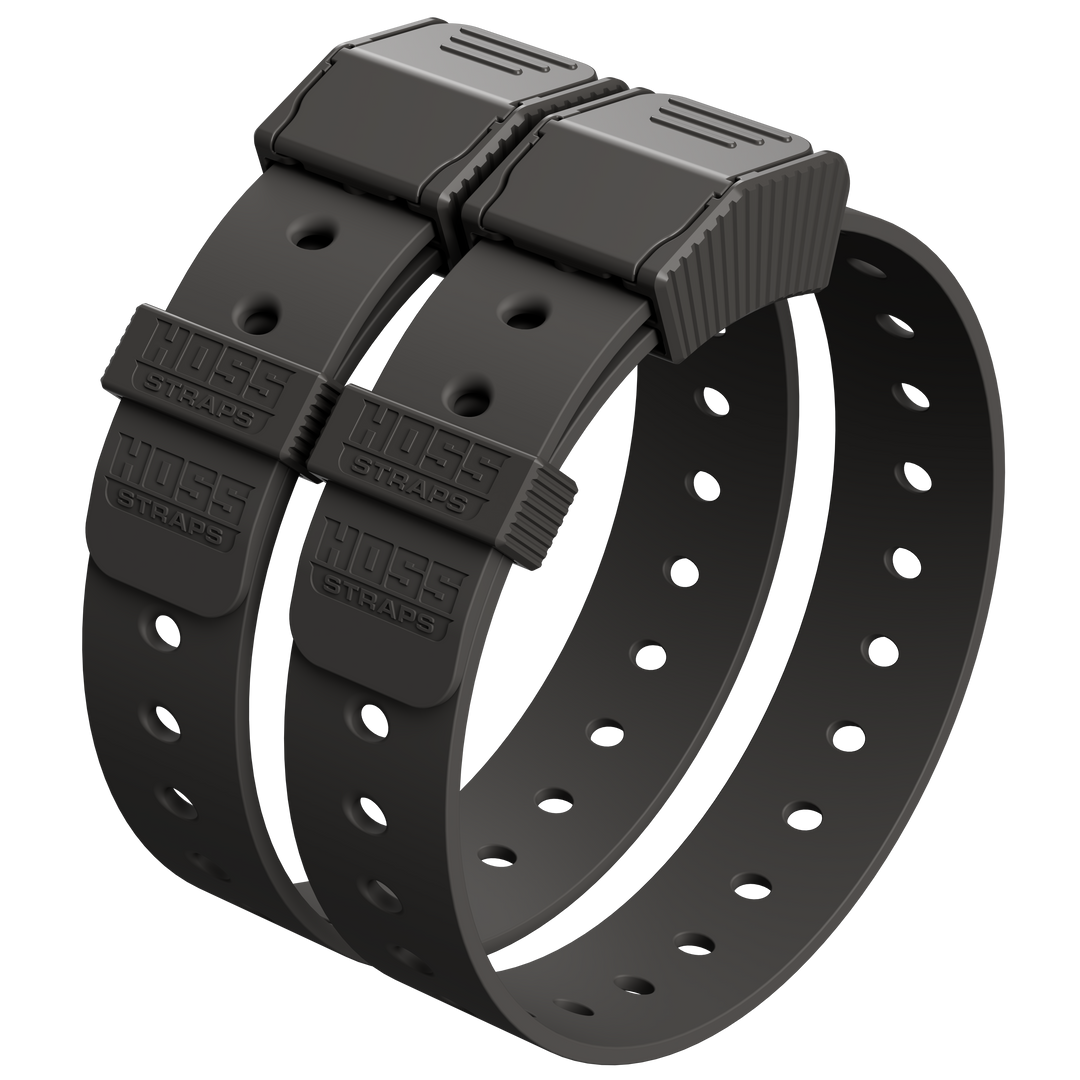
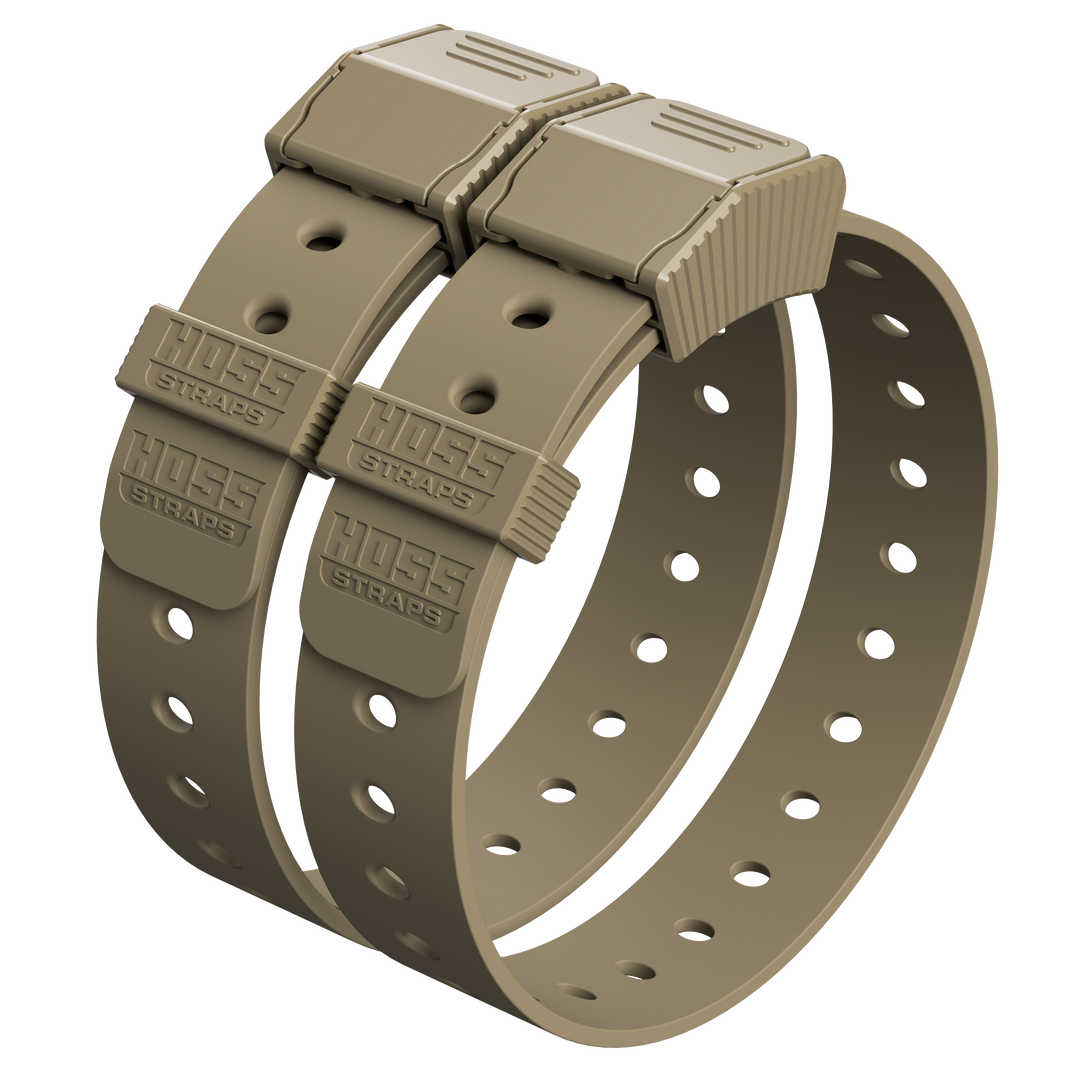
Check out our training collar setup, D-ring dog collar, and easy dog collars built for comfort.
Moving day means open doors, distracted people, new hallways, and a dog who may not understand why everything smells different. If your dog slips out, up-to-date ID can get you a call fast.
Use this checklist before you move, then follow the short timeline during week one. It is a small task, but it can save your weekend.
Table of Contents
- The 15-Minute Checklist Before You Move
- Quick Table: What to Update and When
- What Dog ID Means After a New Address
- Step by Step: Update Your Dog's ID After Moving
- What to Put on an ID Tag When You Move a Lot
- Common Moving Mistakes That Leave Dogs With Outdated ID
- Make Sure the ID Stays On: A Quick Collar Check
- FAQ
The 15-Minute Checklist Before You Move
Do it once, save a screenshot, and you are set.
Grab these details first
- Your phone number and a backup number
- Your new address for records
- Your dog’s microchip number, if you have it
- Any local license number
- Your vet’s phone number
Update the big two: tag and microchip
The CDC says pets should wear collars and tags with up-to-date contact information and that microchip contact information should be kept current with the microchip company.
The American Animal Hospital Association explains that microchips are registered with individual registry companies, and their lookup tool can help you find where a chip is registered if you are not sure.
Keep it simple:
- Update the tag if your phone number is old.
- Update your microchip registry phone, email, and address.
- Add a backup contact who will answer.
- Save the confirmation screen or email.
Save a fresh photo and one-card contact note
The USDA recommends making sure your pet has a collar and tag with current contact information. Current photos are also useful if your dog gets loose during a move.
Take two photos: one clear face photo and one full-body photo. Save them in a folder called “Dog ID.” Add a note with your dog’s description, your current phone number, your vet’s phone number, and your microchip number if you know it.
Quick Table: What to Update and When
| Task | Where to Update | When |
|---|---|---|
| Update the ID tag | Tag order, engraving, or ID plate | 7 to 14 days before moving |
| Update microchip registry info | Your chip registry account | 7 to 14 days before moving |
| Add a backup contact | Your chip registry account | Same day |
| Check license rules | New city or county animal services office | 1 to 2 weeks before moving |
| Save photos and contact note | Your phone | 1 to 3 days before moving |
What Dog ID Means After a New Address
Dog ID is not one thing. It is a few pieces working together.
| ID Layer | What to Update | Why It Matters |
|---|---|---|
| Collar ID tag | Phone number, backup number, and optional city/state | This is the fastest way for a neighbor or finder to call you. |
| Microchip registry | Phone, email, address, backup contact, and vet info | A chip helps only if the registry record is current. |
| Local license records | Address, phone number, and owner details | Rules vary by city and county, especially after a move. |
Collar ID tag
Keep it readable. A phone number and backup number matter more than a crowded tag full of tiny text. If you do not want your full street address on the tag, use city and state instead.
Microchip registry contact details
A microchip stores a number that a clinic or shelter can scan. That number helps only if the registry record points to current contact information.
Update your phone, email, address, backup contact, and veterinarian contact details when you move.
Local license records
Rules vary by city and county, so check your new area. As one example, San Bernardino County Animal Care tells residents to update dog license records within 30 days of moving and provides phone and online options.
Step by Step: Update Your Dog's ID After Moving
| Timeline | What to Do | Why It Helps |
|---|---|---|
| Moving day | Keep collar and ID on during supervised moving activity. Use a leash for door, elevator, hallway, and parking lot trips. | Open doors and distracted people create escape risk. |
| Moving day | Use a safe room, crate, or closed-off area before movers arrive. | Your dog needs a controlled space while the home is chaotic. |
| First 72 hours | Confirm microchip info saved correctly and screenshot the registry record. | Do not assume the update worked until you see it. |
| First 72 hours | Swap the tag if anything is outdated. | The tag is the fastest contact layer. |
| First week | Handle local licensing updates if needed. | Local animal services rules can change by city or county. |
| First week | Keep your “Dog ID” folder current. | Photos and contact notes are easier to use when they are already organized. |
What to Put on an ID Tag When You Move a Lot
Tags are for fast contact. If you rent, relocate often, or are between addresses, prioritize details that do not go stale every time you move.
| Tag Line | Example | Good For Movers? |
|---|---|---|
| Dog name | RANGER | Yes, if you want the finder to identify your dog by name. |
| Main phone number | 555-123-4567 | Yes. This is the most important line. |
| Backup phone number | 555-222-3333 | Yes, especially if you are in transit. |
| City and state | AUSTIN, TX | Usually. Easier to keep current than a full street address. |
| Full street address | Apartment address | Optional. Many renters keep this in the microchip registry instead. |
If you do not want your street address on the tag, keep full address details in the microchip registry instead. The tag gets the call started. The registry helps confirm ownership and backup details.
Common Moving Mistakes That Leave Dogs With Outdated ID
Old phone number
If your phone number changed, update the tag before the move. Once the truck is loaded, it is easy to forget.
No backup contact
If you are driving, flying, unloading, or dealing with a building office, a backup contact can answer and relay the message.
Chip is not updated in the registry
If you moved and never logged in, the chip record may still point to your old address. Use the AAHA lookup tool if you do not know where your dog’s chip is registered.
License records are still tied to the old address
Local rules are not universal. Check your new city or county animal services office and update records within their timeline.
Make Sure the ID Stays On: A Quick Collar Check
Take 30 seconds before the move:
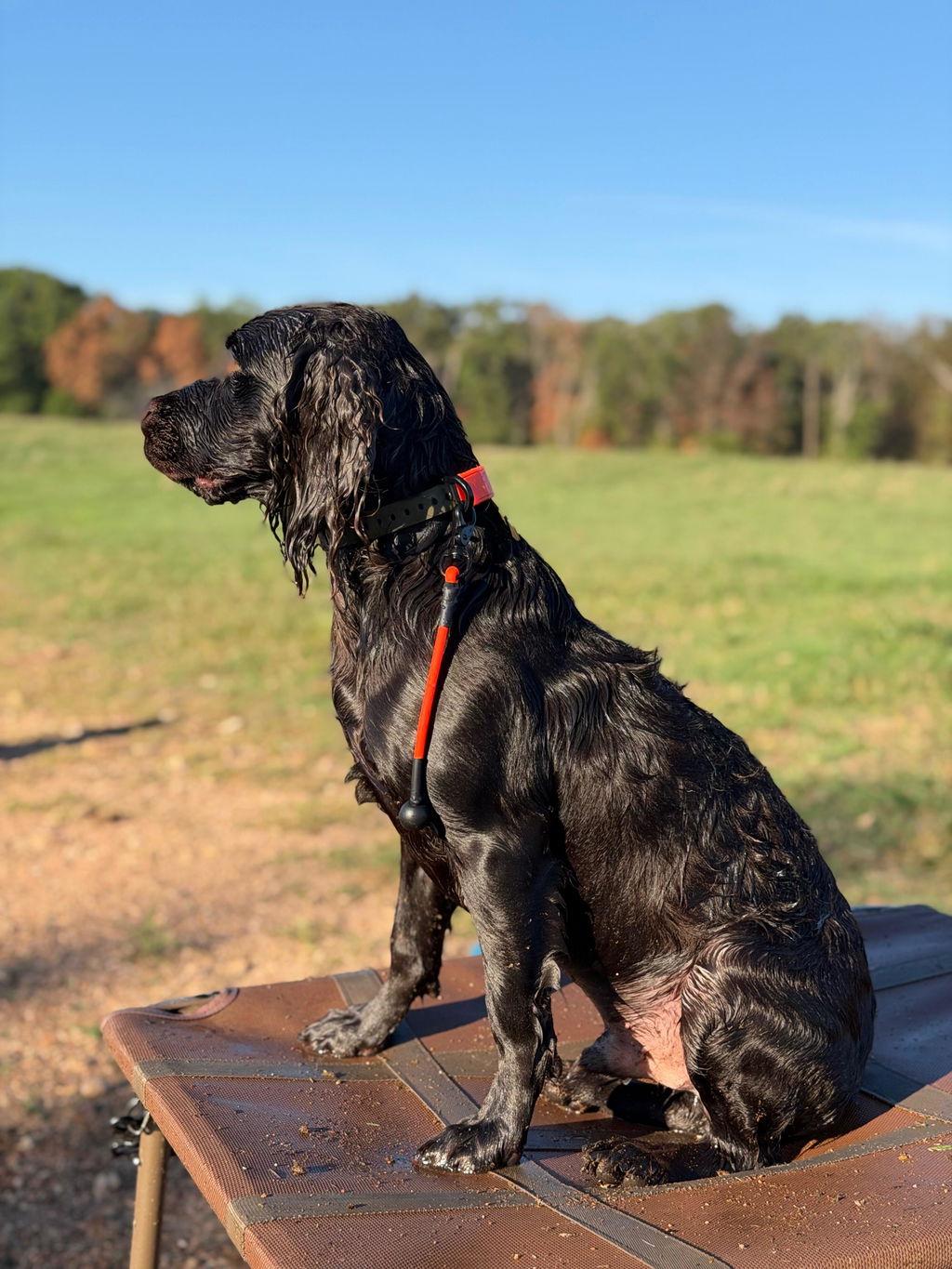
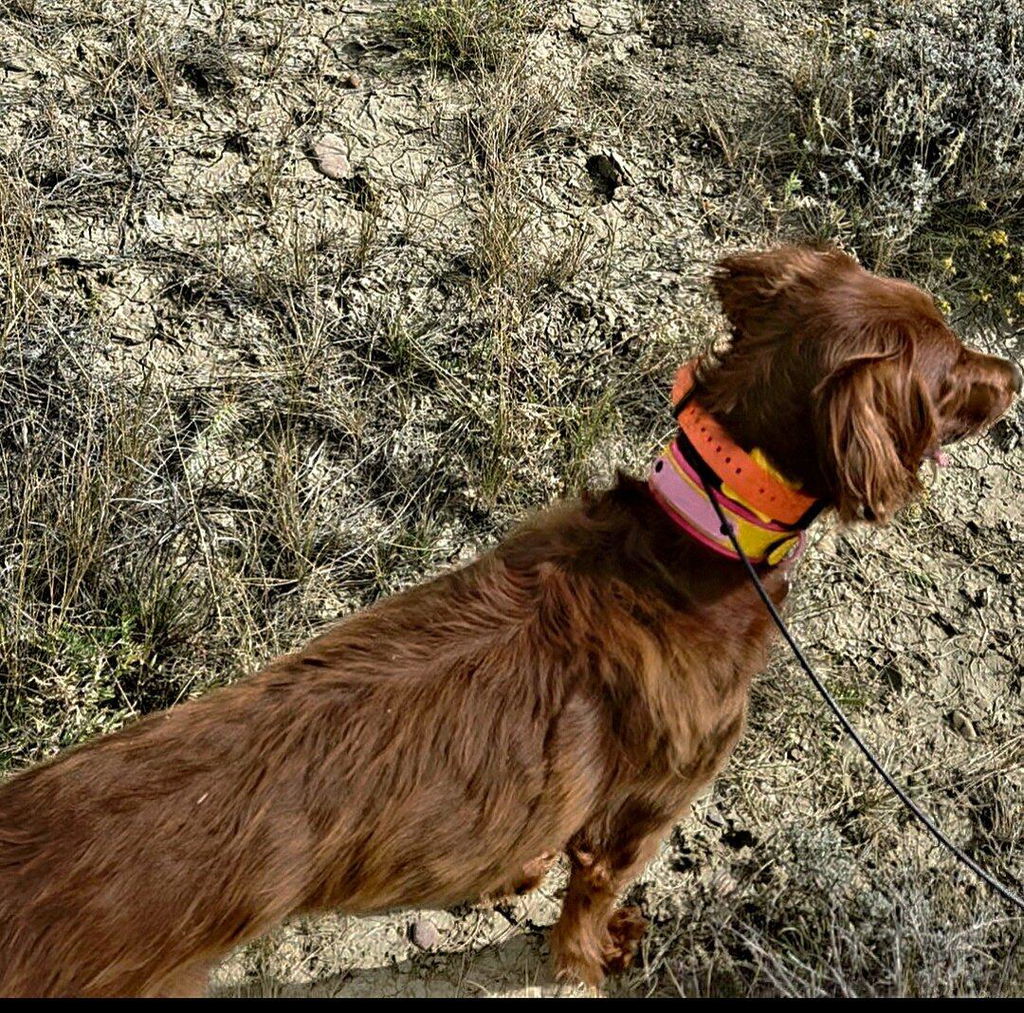
- Snug enough that the collar will not slide over the head
- Loose enough for a two-finger comfort check
- Tag hangs free without rubbing or blocking the buckle
- Split ring is closed tight
- Buckle clicks cleanly and stays locked
When you want a dependable collar for daily wear, browse our Dog Collars and pick the size that fits your dog.
FAQ
How soon should I update my dog’s ID after moving?
Before you move is best. Update the tag and microchip registry 7 to 14 days ahead of time when possible, then confirm everything during the first 72 hours in your new place.
Do I need to change my dog’s microchip address, or just the tag?
Do both if you can. The tag helps a neighbor call you fast, and the microchip record helps confirm ownership if your dog is scanned at a shelter or clinic.
What if I do not know my dog’s microchip number?
Check vet paperwork, adoption records, or registry emails first. If you cannot find it, a vet or clinic can scan your dog during a normal visit.
Should I put my full address on my dog’s tag if I live in an apartment?
Many renters stick to phone numbers on the tag and keep the full address in the microchip registry. Choose what you are comfortable with, but keep contact numbers current.
What should I do if my dog gets out during the move?
Use your saved photos, call your backup contact, and contact nearby shelters and clinics right away. Keep your phone on loud and answer unknown numbers for a while.