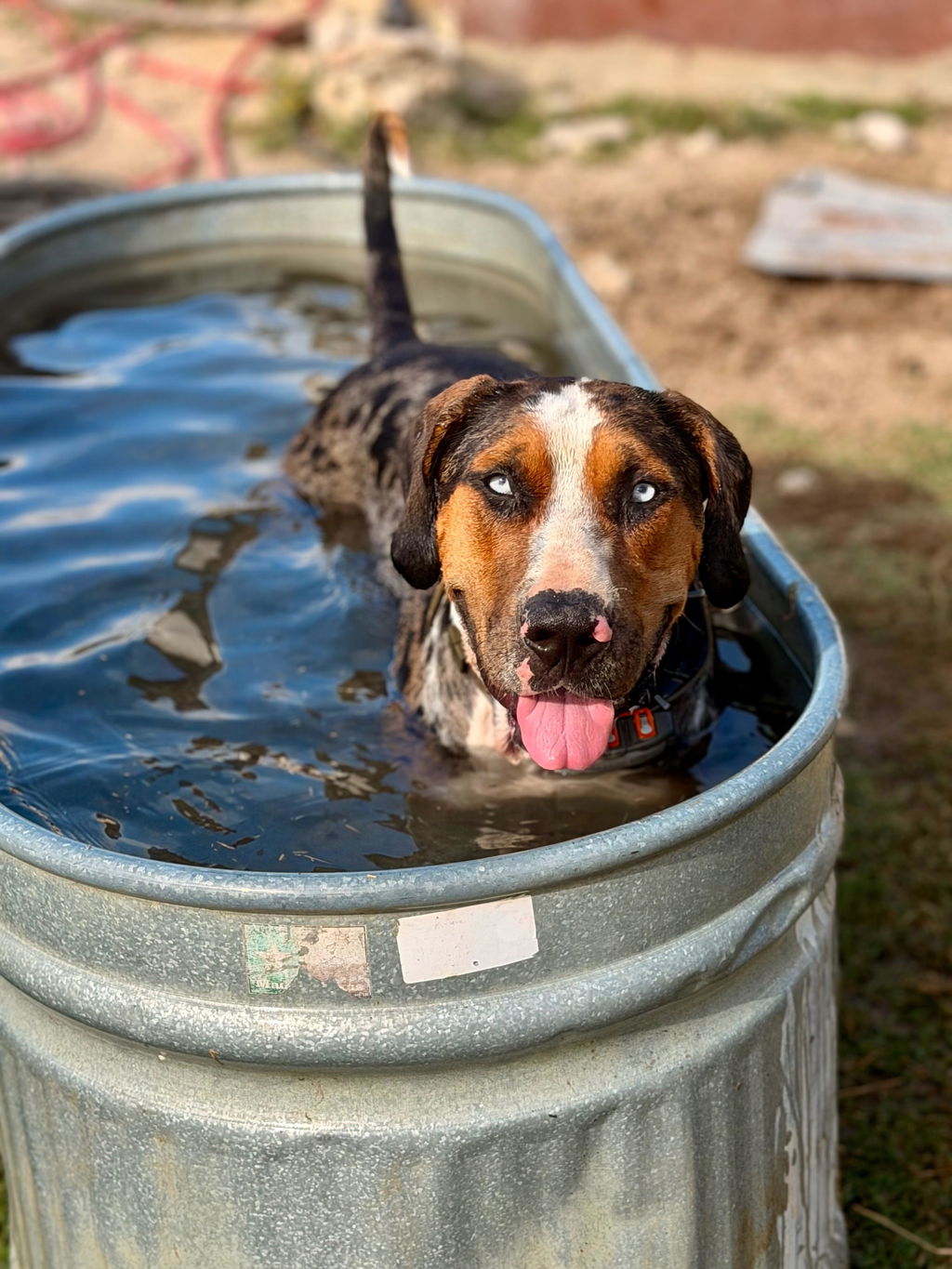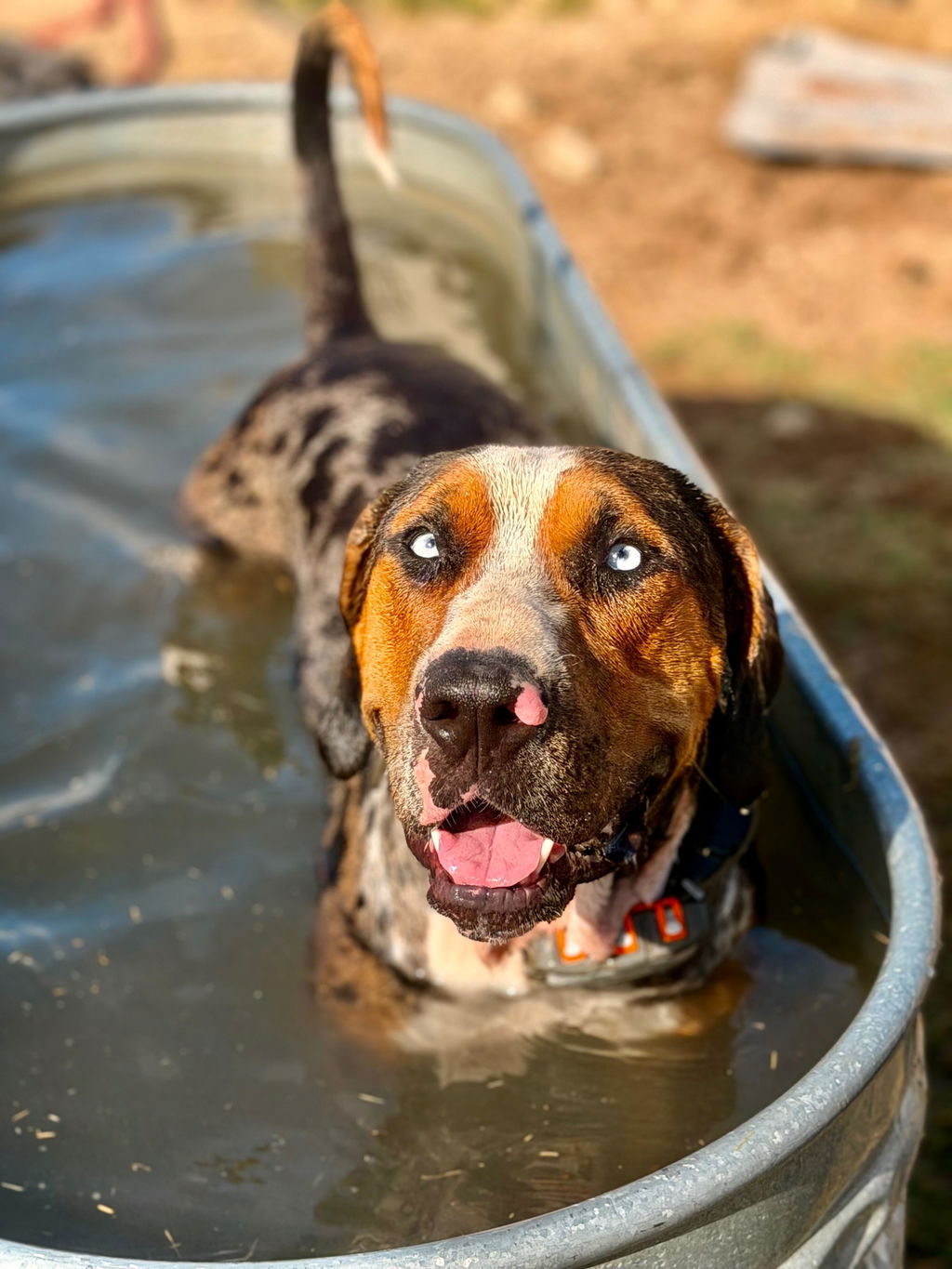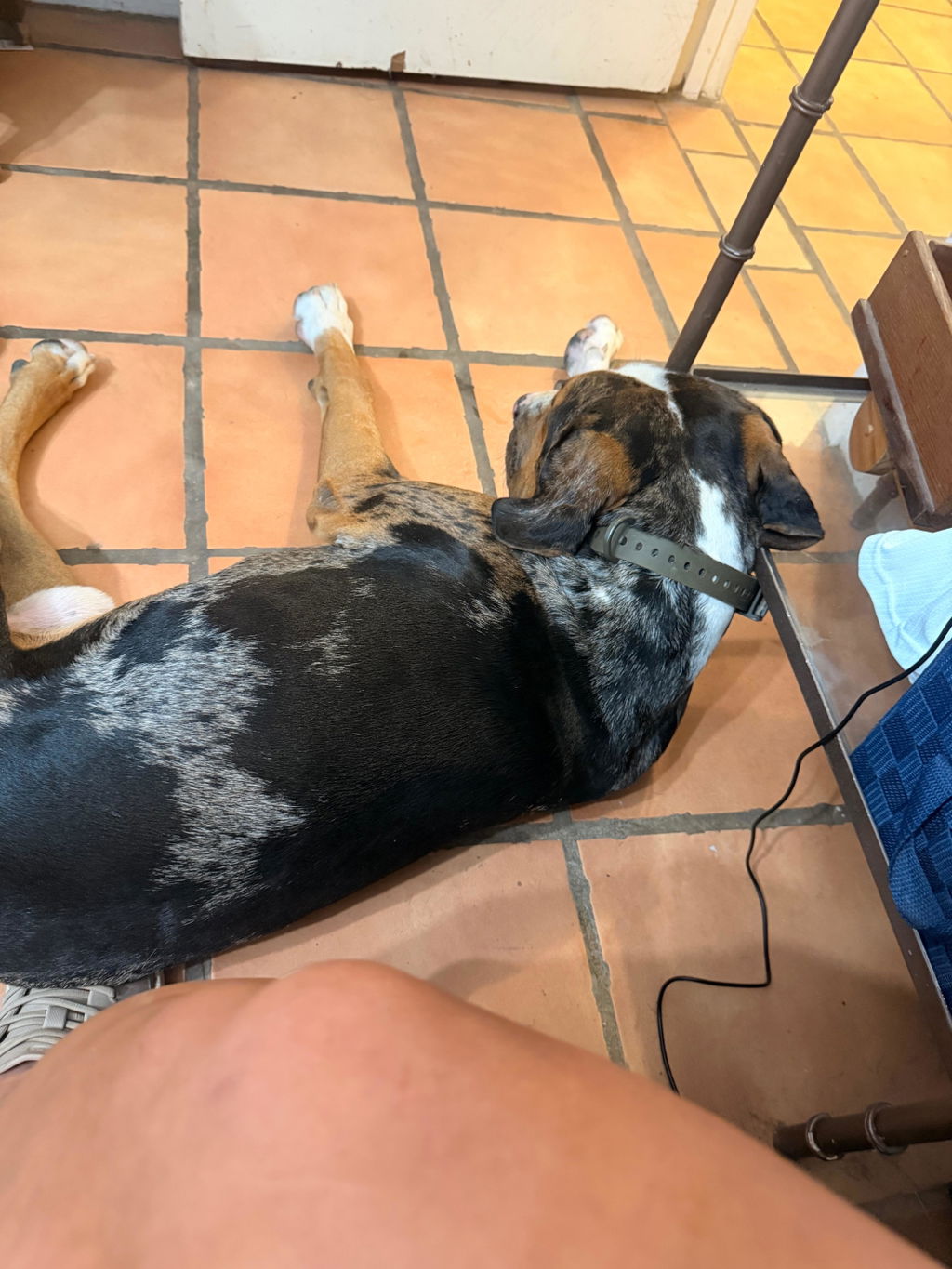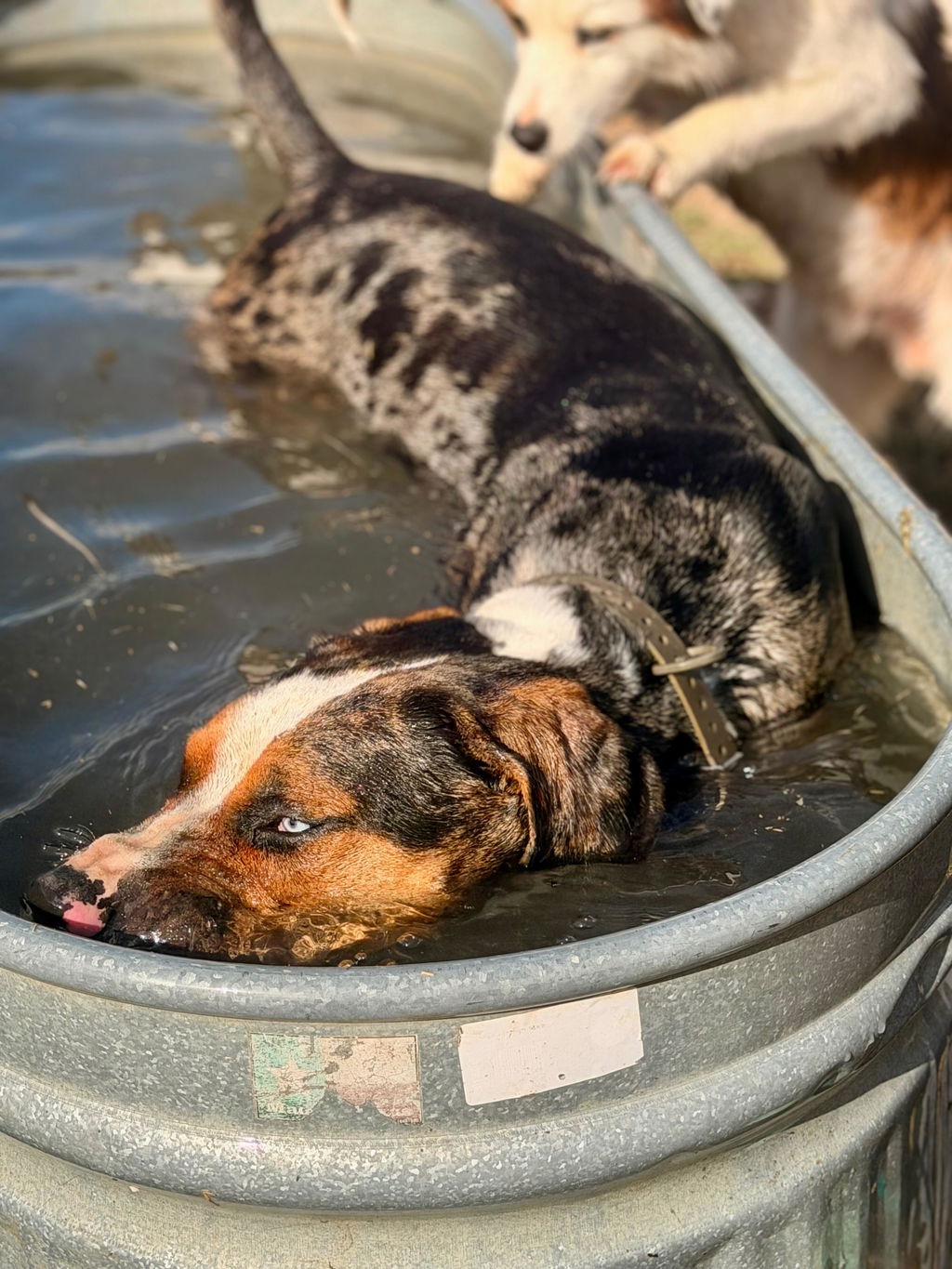



QR Code ID Dog Collars: How They Work & Stay Private

Check out our training collar setup, d-ring dog collar, dog collars, and more!
A dog can slip a gate, bolt after a squirrel, or back out of a collar faster than you’d think. When that happens, getting your dog home often comes down to one simple thing: can the person who found them reach you right now?
That’s where QR code ID tags come in. You don’t need to buy a whole new “smart collar” to use one. You just need a collar that holds a tag securely, stays comfortable on your dog, and stands up to daily wear.
What a QR Code ID Dog Collar Is
A QR code ID setup is a scannable tag on your dog’s collar. When someone scans the code, it opens a web page or profile with the info you choose to share.
QR ID vs. engraved tags vs. microchips
Think of these like a team:
-
Engraved tag: quick to read, but limited space.
-
QR code tag: quick to scan, with more room for details you can update.
-
Microchip: permanent ID under the skin that can help if the collar is missing.
The American Veterinary Medical Association notes that microchips are valuable, but a collar with up to date ID tags can be the fastest way for a finder to contact you when your dog is wearing it (AVMA microchipping FAQ).
How QR Code Pet ID Works (Step by Step)

QR ID is simple on purpose. It’s built for real life, not a tech demo.
1) Someone scans the code
Most modern phones can read a QR code right from the camera. Apple explains that the iPhone camera can detect a QR code and open the linked page (Apple Support: scan a QR code with iPhone camera).
2) The finder sees what you allow
A good QR ID profile lets you decide what shows up on that page. This matters, because “helpful” and “too much” are not the same thing.
3) They use a contact option to reach you
Some QR ID services offer contact options that can help protect your privacy, like in app messaging, a masked number, or an email alias. If your QR service has those, they’re worth using.
4) You update info anytime
If you move, change phone numbers, or add a backup contact, QR profiles are usually editable. That makes it easier to update dog ID after moving without replacing the whole tag. That’s a big win over a stamped tag.
The Privacy Basics (Keep Your Contact Info Off Display)
If there’s one rule that covers almost everything, it’s this:
Share the minimum info needed to get your dog back.
The UK Information Commissioner’s Office (ICO) describes the data minimisation principle as keeping personal data “adequate, relevant and limited to what is necessary” for the purpose (ICO: data minimisation). For a lost dog, the purpose is simple: safe return.
Use contact methods that don’t put your number on blast
If your QR ID service offers a way to message you without showing your phone number, take it. A few examples:
-
In app messaging (finder messages you through the service)
-
Masked number (calls or texts route through a middle number)
-
Email alias (a throwaway address used just for pet ID)
Not every QR service has every option. The goal is the same: make it easy for a good person to reach you, without handing your personal number to the whole internet.
A quick privacy checklist
Before you finalize your pet profile, ask:
-
Would I be comfortable if this info was shared beyond the person who found my dog?
-
Does this reveal where I live or when I’m away?
-
Is there a safer contact method I can turn on?
What to Put on a QR Pet Profile (A Simple Checklist)

You want enough info to get a call or message back fast - nothing extra.
Must have
-
Clear photo of your dog (helpful if they slip a collar and someone finds the tag)
-
Dog’s name (or a nickname, if you prefer)
-
Primary contact method (ideally private: in app message, masked number, or email alias)
-
One short note about handling (example: “friendly but shy” or “do not chase”)
Nice to have
-
Backup contact (partner, friend, family member)
-
Basic medical note that matters in a pinch (example: “needs daily meds”)
-
A simple reward note if you want one (keep it short)
What to avoid
-
Home address
-
Your full name (if you don’t want it public)
-
Daily routines (“we walk at 6am”) or anything that hints when you’re gone
-
Extra personal details that don’t help a return
Identification Matters: A Quick Reality Check
You’re setting this up because dogs do get lost. The ASPCA reported survey results showing that a meaningful number of households have dealt with a lost pet (ASPCA survey press release).
And when it comes to permanent ID, shelter research published in JAVMA found a higher return to owner rate for microchipped dogs and cats, while also pointing out that registration issues can limit the benefits (JAVMA shelter microchip study).
Takeaway: use layers - collar + tag + (if you choose) microchip - so you’re not betting everything on one piece of gear.
Choosing the Right Collar for a QR ID Tag
A QR tag only helps if it stays on your dog. That’s why the collar matters.
Look for a collar that:
-
Holds hardware securely (tag ring, buckle, D ring)
-
Handles water, mud, and sweat
-
Fits right without rubbing
-
Stays put on active dogs
A quick fit check: you should be able to slide two fingers under the collar, and it shouldn’t spin freely or slip over the head.
Why a Hoss Collar Is a Solid Partner for QR ID
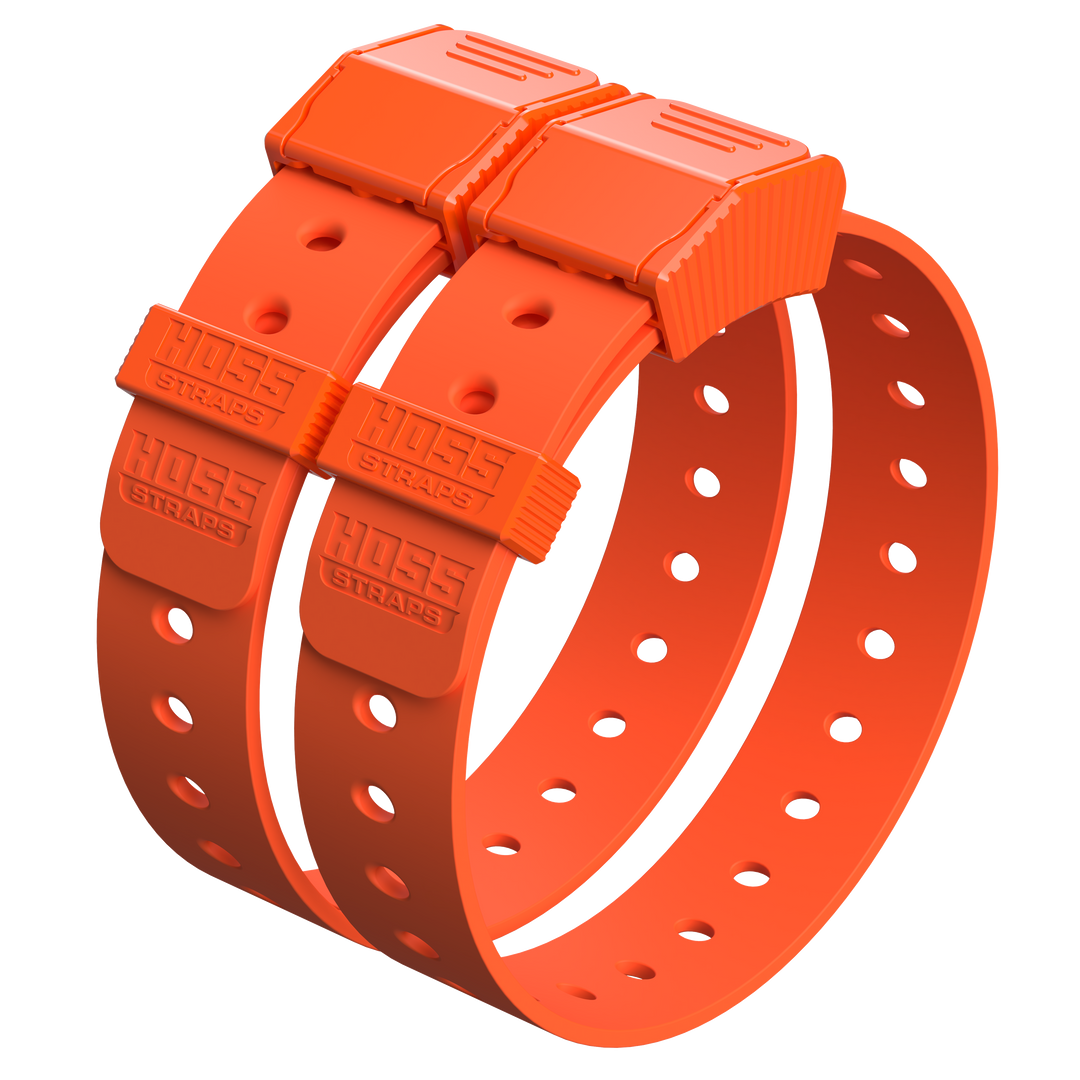
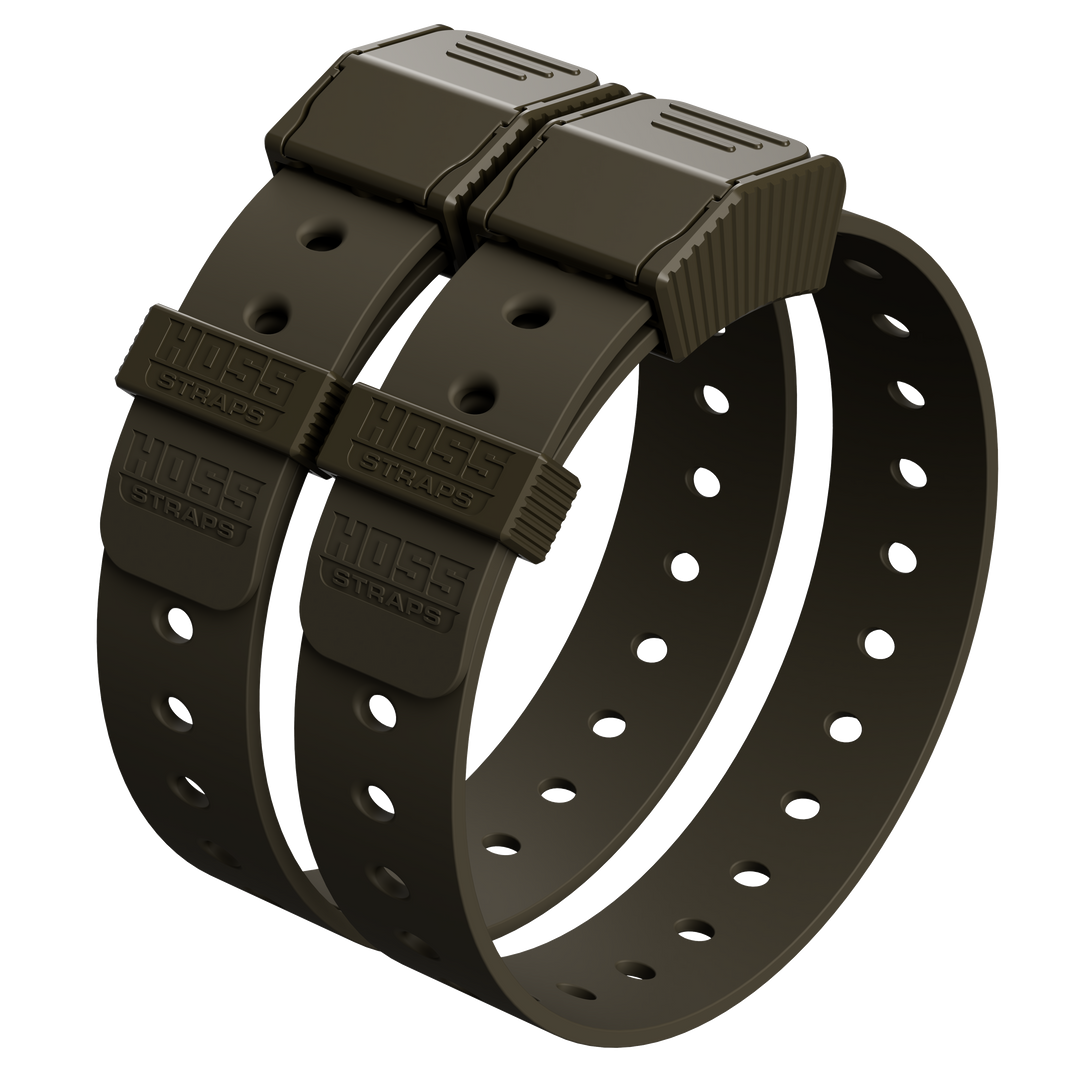
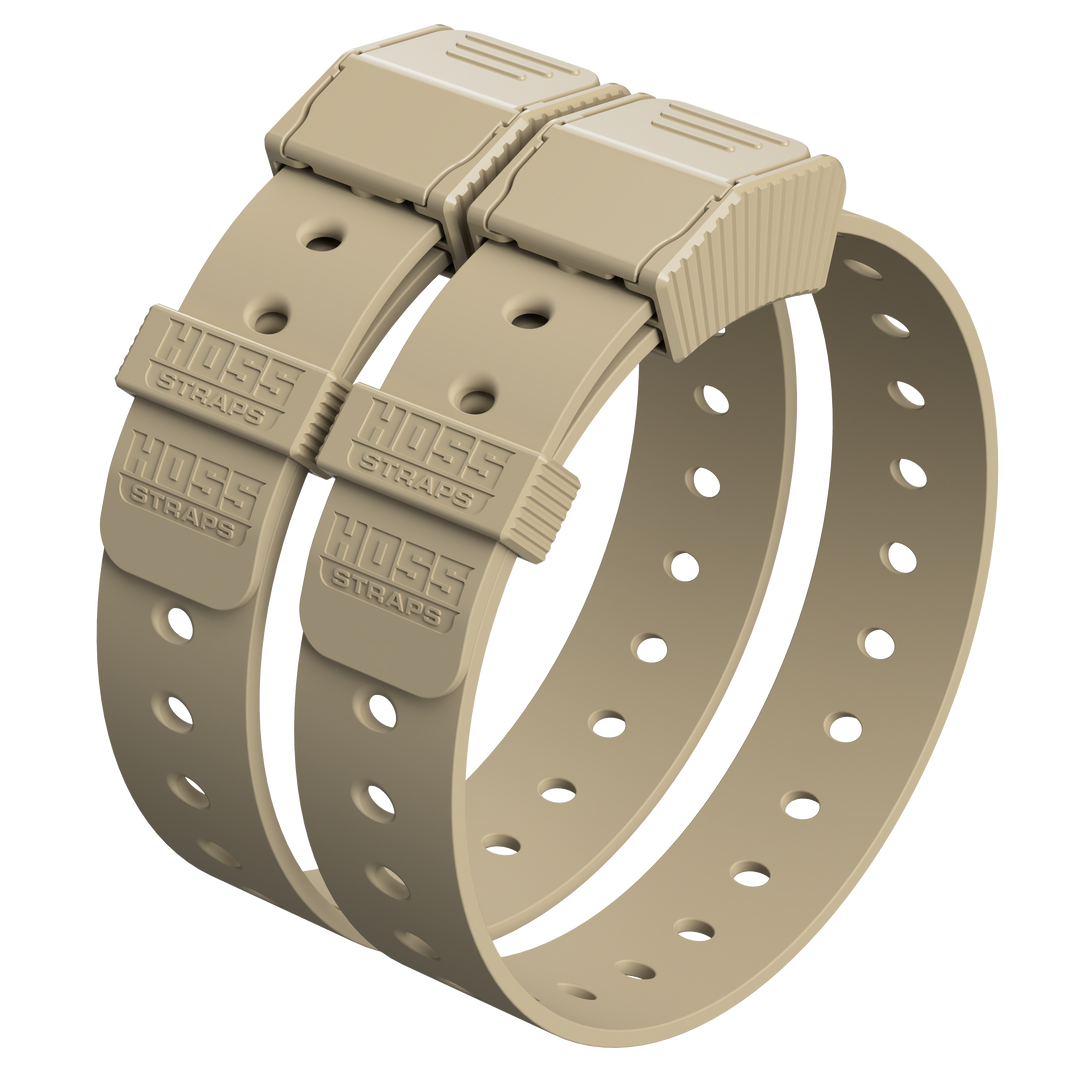
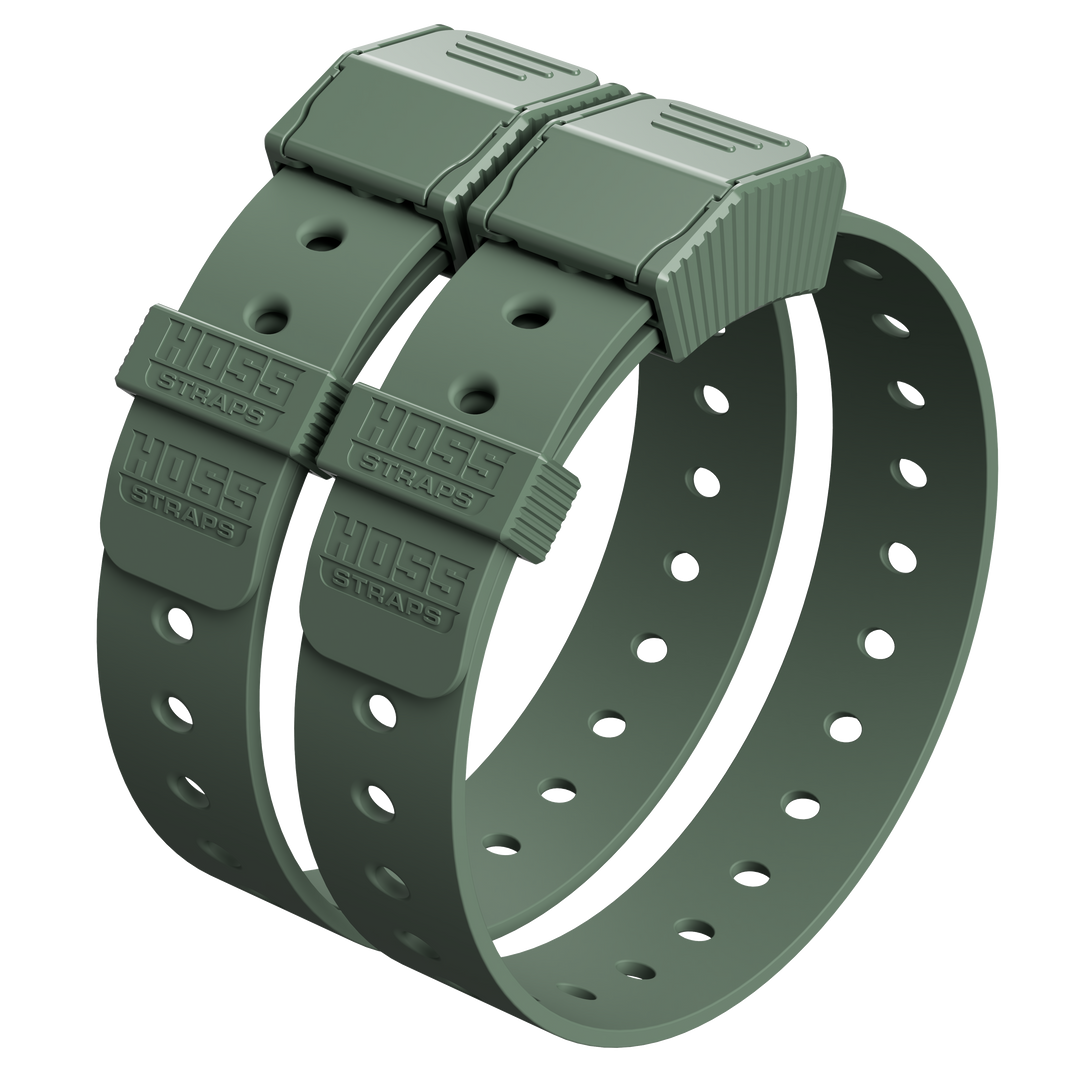
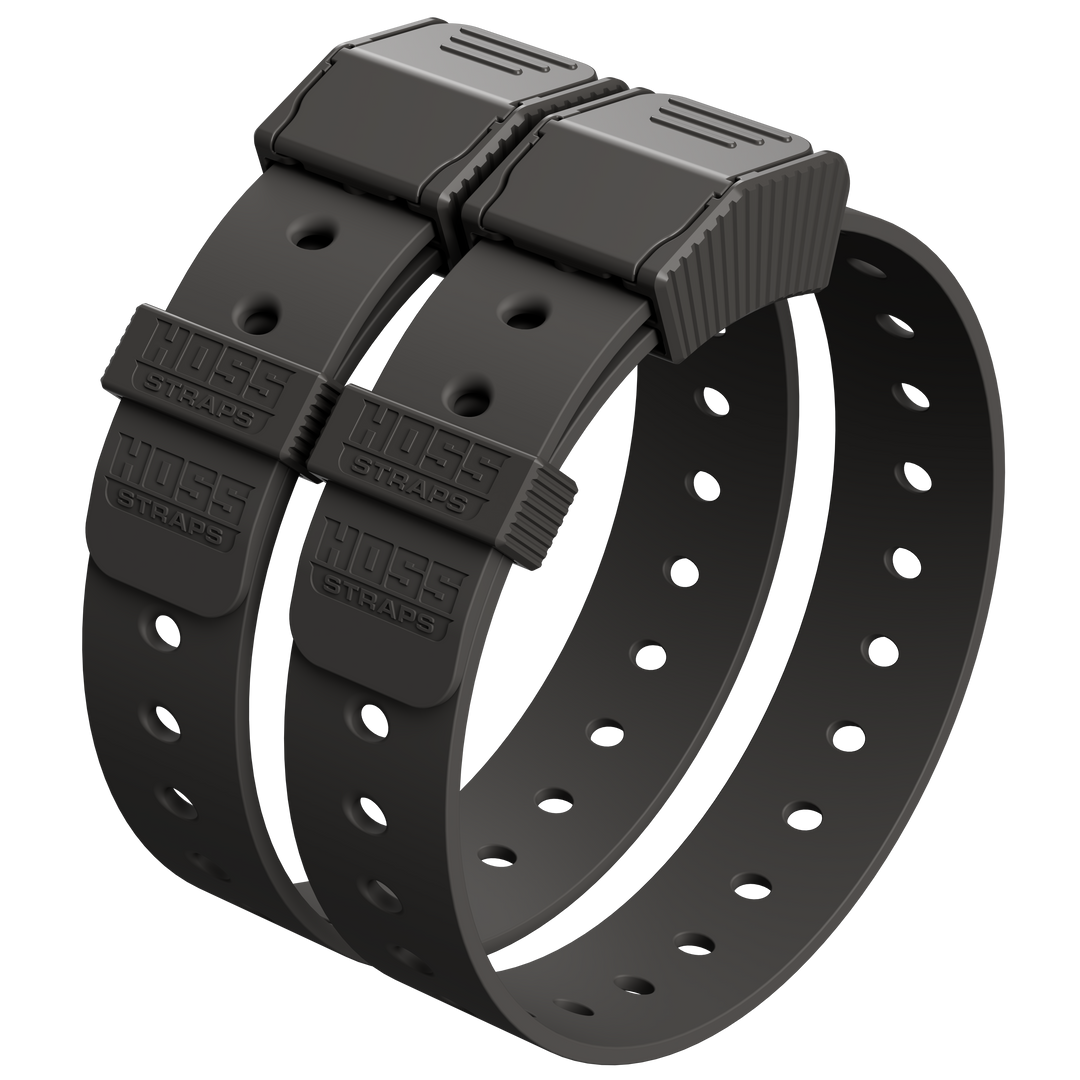
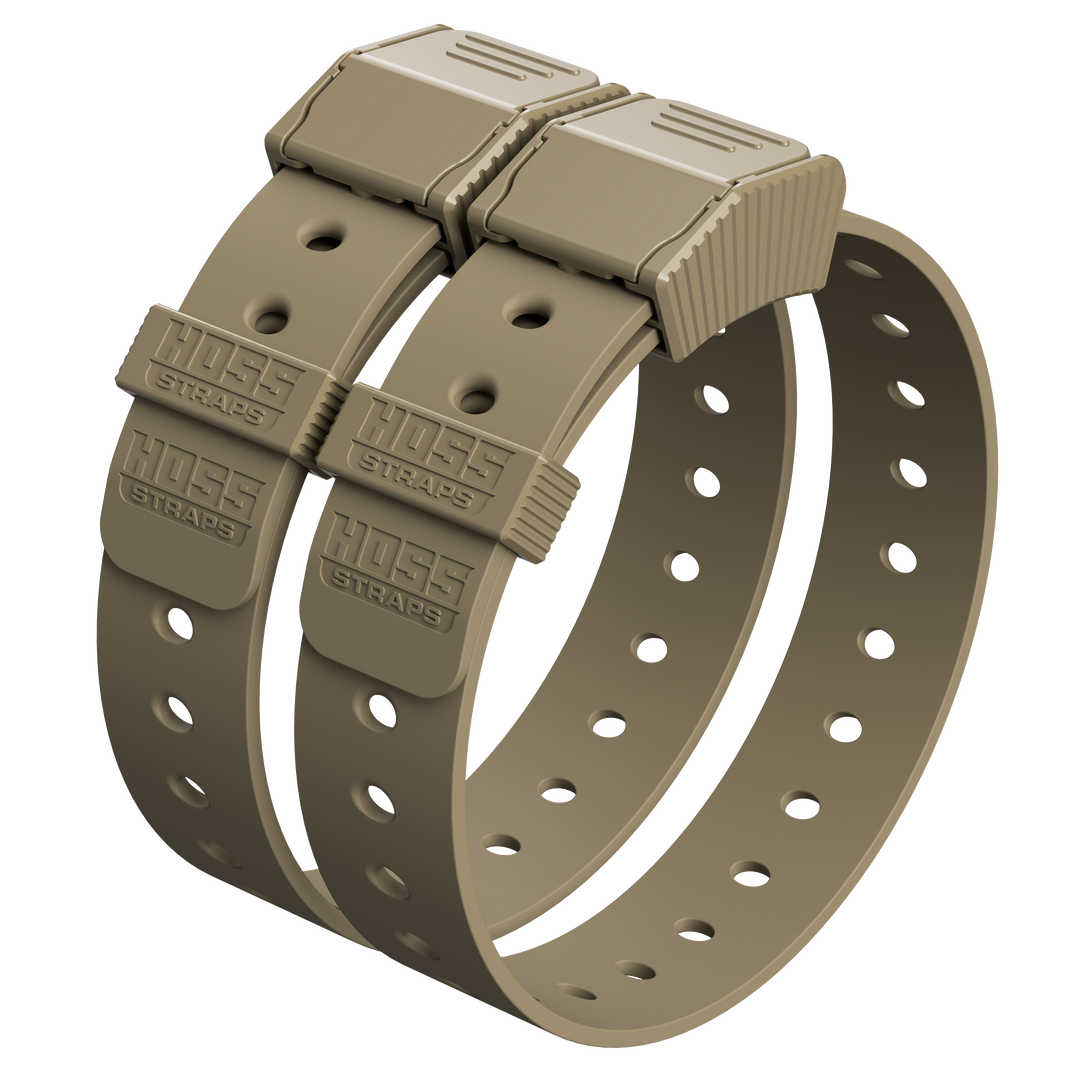
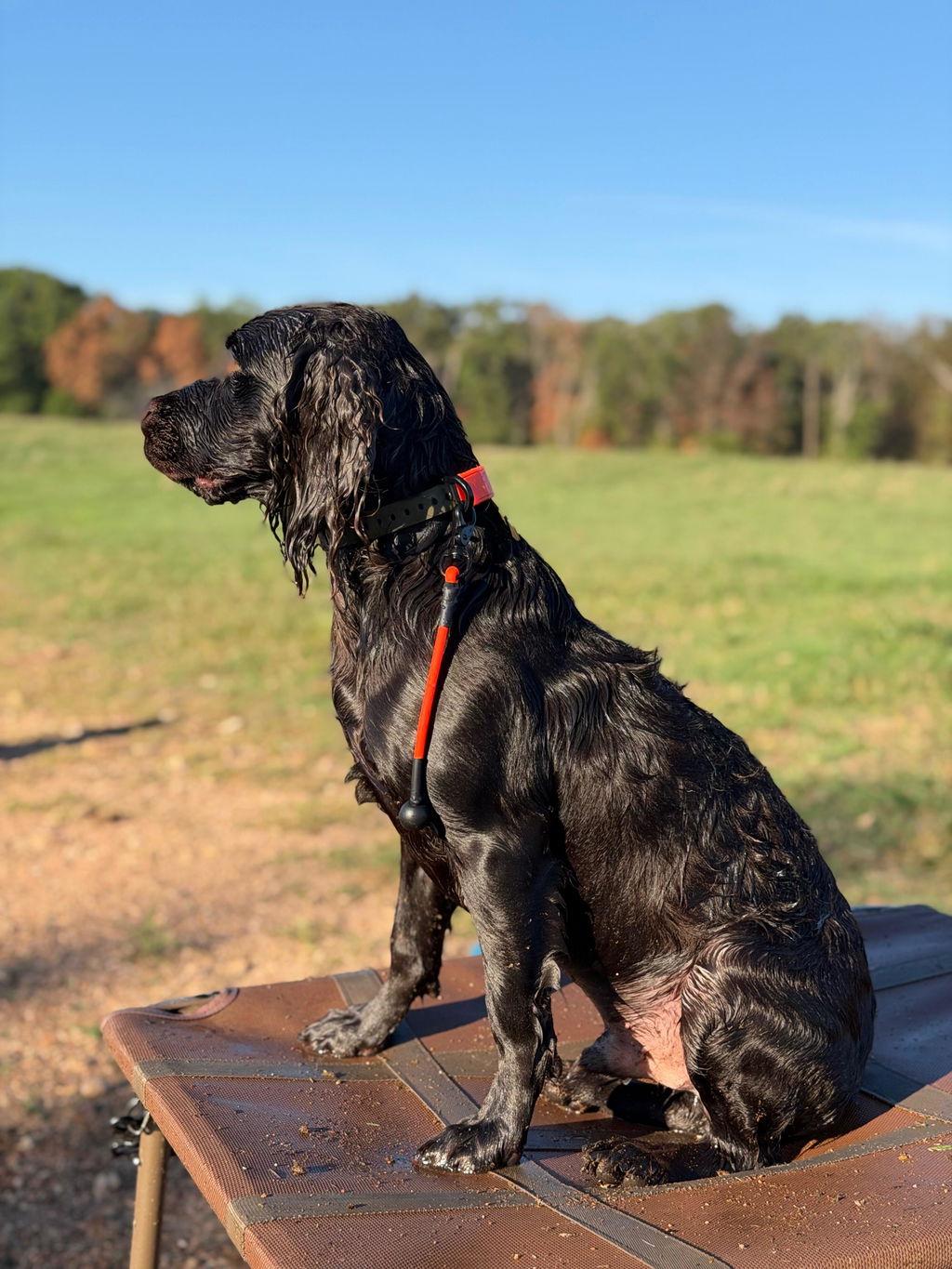
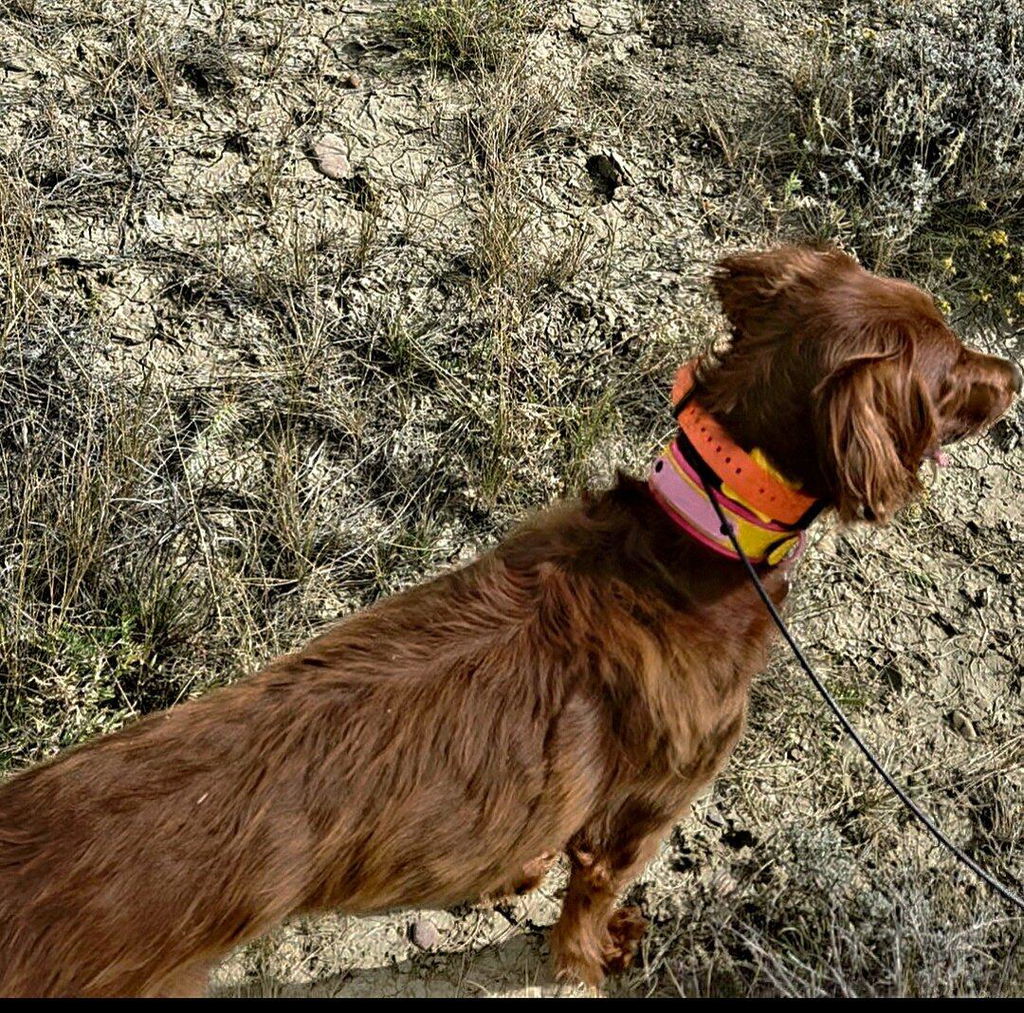
Hoss Straps doesn’t sell QR ID services. We sell collars that do their job day after day - the kind of collar you trust when your dog is running fence lines, hitting trails, or living that “always outside” life.
If you’re adding a QR tag, start with a collar built for real wear so your tag stays where it belongs: on your dog. Browse our collars here: Hoss Straps dog collars.
Quick Setup Checklist (Do This Once)
-
Attach the QR tag with a sturdy split ring.
-
Scan the code with your phone to make sure it opens quickly.
-
Choose a contact method that protects your number if it’s available.
-
Add a backup contact.
-
Re check the profile every few months (or anytime your number changes).
FAQ
1) Do QR code ID tags replace a microchip?
QR tags are great for fast contact when the collar is on your dog. A microchip can help as a backup if the collar comes off. Many owners use both so they have more than one way to prove ownership and get a call back.
2) What’s the safest contact option to put on a QR profile?
If your QR service offers in app messaging, a masked number, or an email alias, those can help you stay reachable without putting your personal number in plain view. If it doesn’t, use the contact method you’re comfortable sharing and keep the rest of the profile minimal.
3) What info should I avoid sharing on a pet profile?
Skip anything that points to your home or routine - like your address, work schedule, or a “we’re traveling” note. Keep it focused on getting your dog safely back to you.
4) What if the QR tag gets dirty or scratched?
Choose a tag and attachment method that can handle water and grit, and give it a quick rinse when you clean the collar. The best habit is simple: test scan it once in a while so you’re not guessing when it matters.
5) How do I make sure the QR setup works in an emergency?
After setup, scan the code from a few angles and distances, then have a friend scan it too. Make sure the page loads fast and the contact button is easy to find. If anything feels clunky, tighten it up now - before you need it.